Draw your own bead patterns
On the drawing board the child makes a pattern of their own on any of the boards. Every stroke is saved at once, and when the pattern is done the app counts the beads just like for the library patterns.
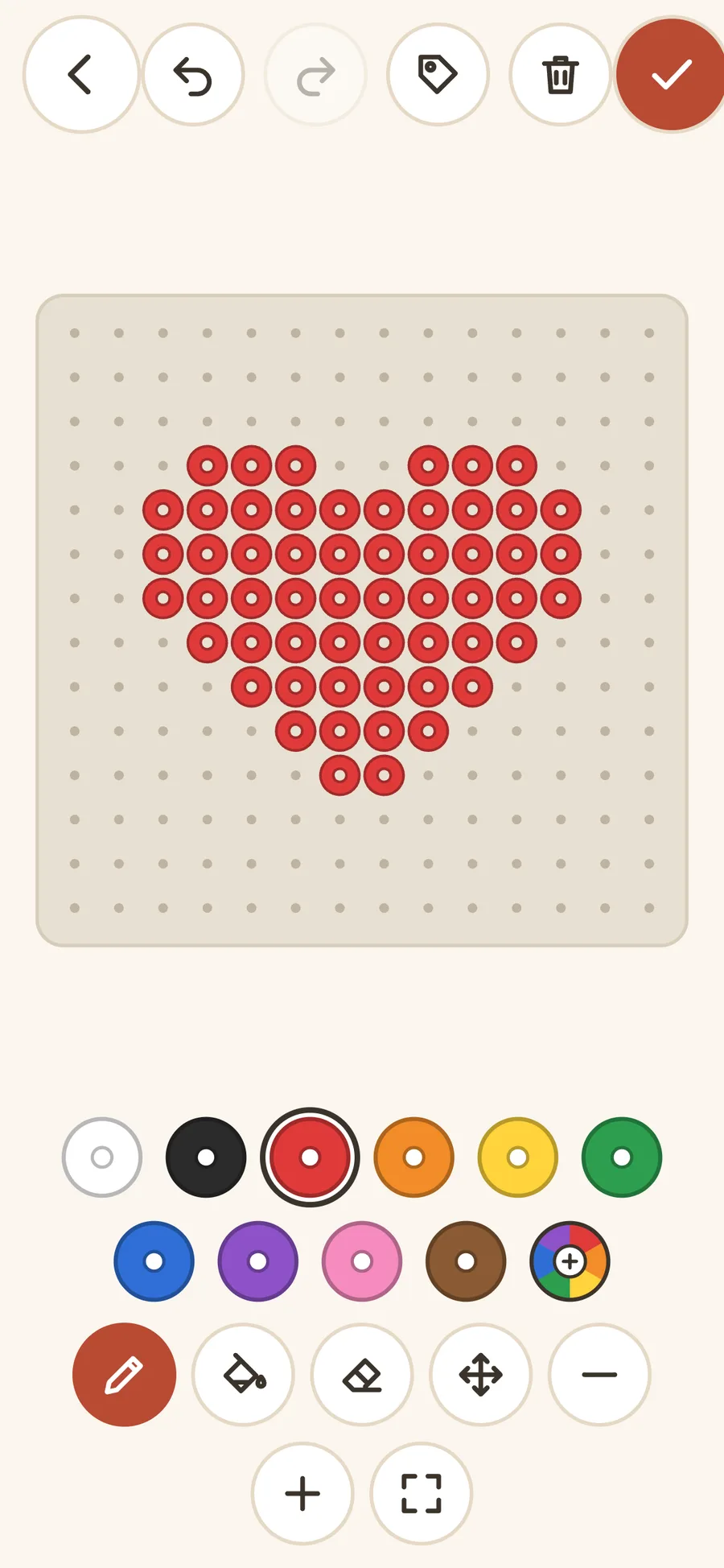
The tools
The tools are few and big, so a child's finger can hit them.
- Pen, one bead per tap or a stroke with the finger
- Fill, which colors a whole area at once
- Eraser, for a bead that ended up in the wrong place
- Undo and redo, even after the board has been cleared
- Color wheel, for mixing a color of your own
Or start from a ready-made pattern
Every pattern in the library can become your own version: tap the pen in the pattern, change the colors or keep drawing.
In the color-it-yourself category only the outline is drawn, and the child picks every color. See the categories in the app.
Saved on the device, with a bead count
The pattern is saved after every stroke, so nothing is lost if the app closes halfway. A finished pattern goes under Mine in the library and shows like all the others: with zoom, lock, one color at a time and a bead count per color.
Everything stays on the phone, the tablet or in the browser. More about what the app saves, or see the ready-made patterns.
Draw the first pattern
The drawing board is in the web version. Tap Create in the library.