Free to try
Bead patterns for kids
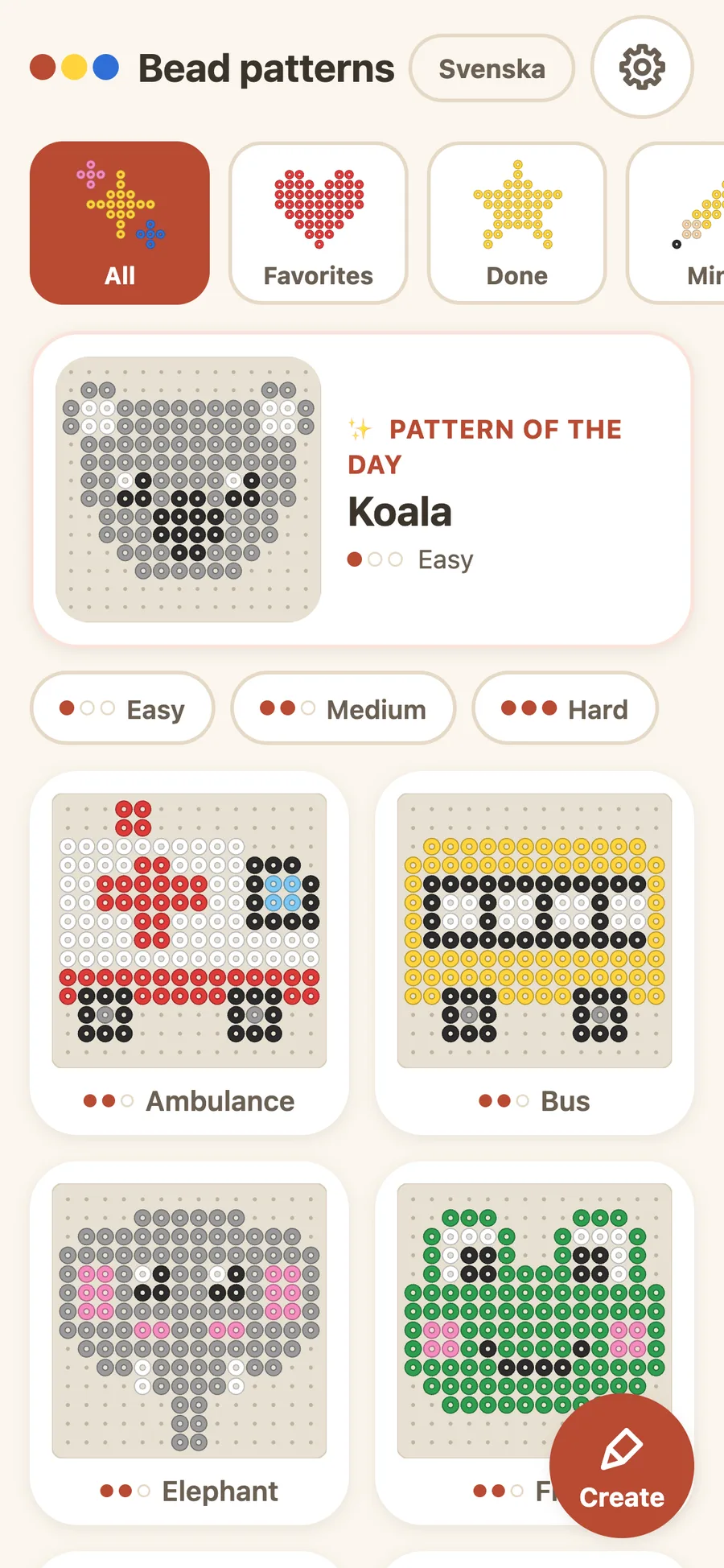
Your child picks a design, zooms in and beads with real beads next to the screen. Hundreds of patterns for pegboards you can buy, for ages 6-8.
Open in the browser Download on the App Store
How to get started
-
Pick a pattern
Open Pearls and pick a design that fits the board you have. The patterns have pictures, so your child finds one alone, even before they can read.
-
Bead next to the screen
Put the phone or tablet next to the pegboard, zoom in and lock the pattern. Your child places bead after bead, following the screen.
-
Iron and keep
A grown-up irons the board with ironing paper on top. Tap Done! in the app and the pattern gets a star.
A taste of the library
Ten of hundreds of patterns, on every board. The rest are in the app, sorted into categories.


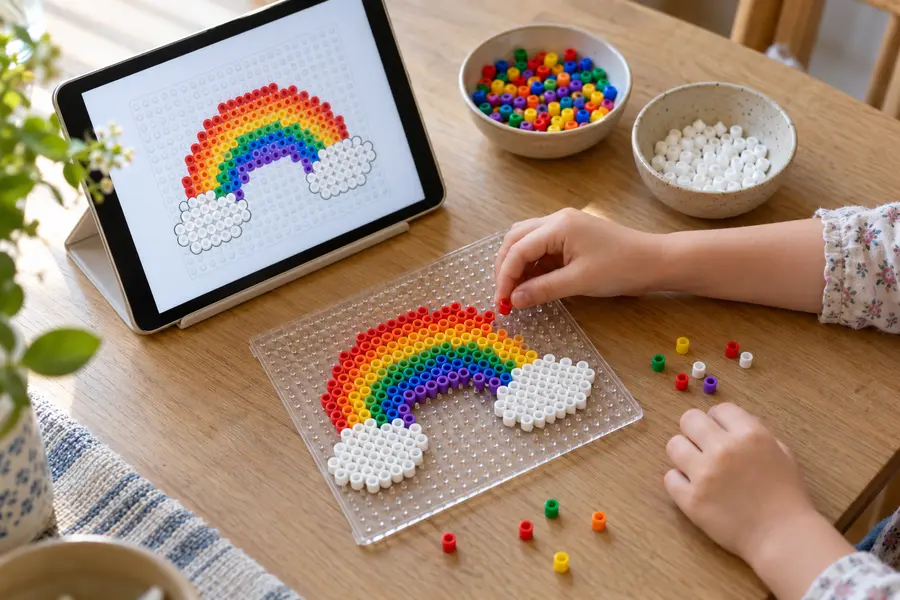
Finished boards for inspiration
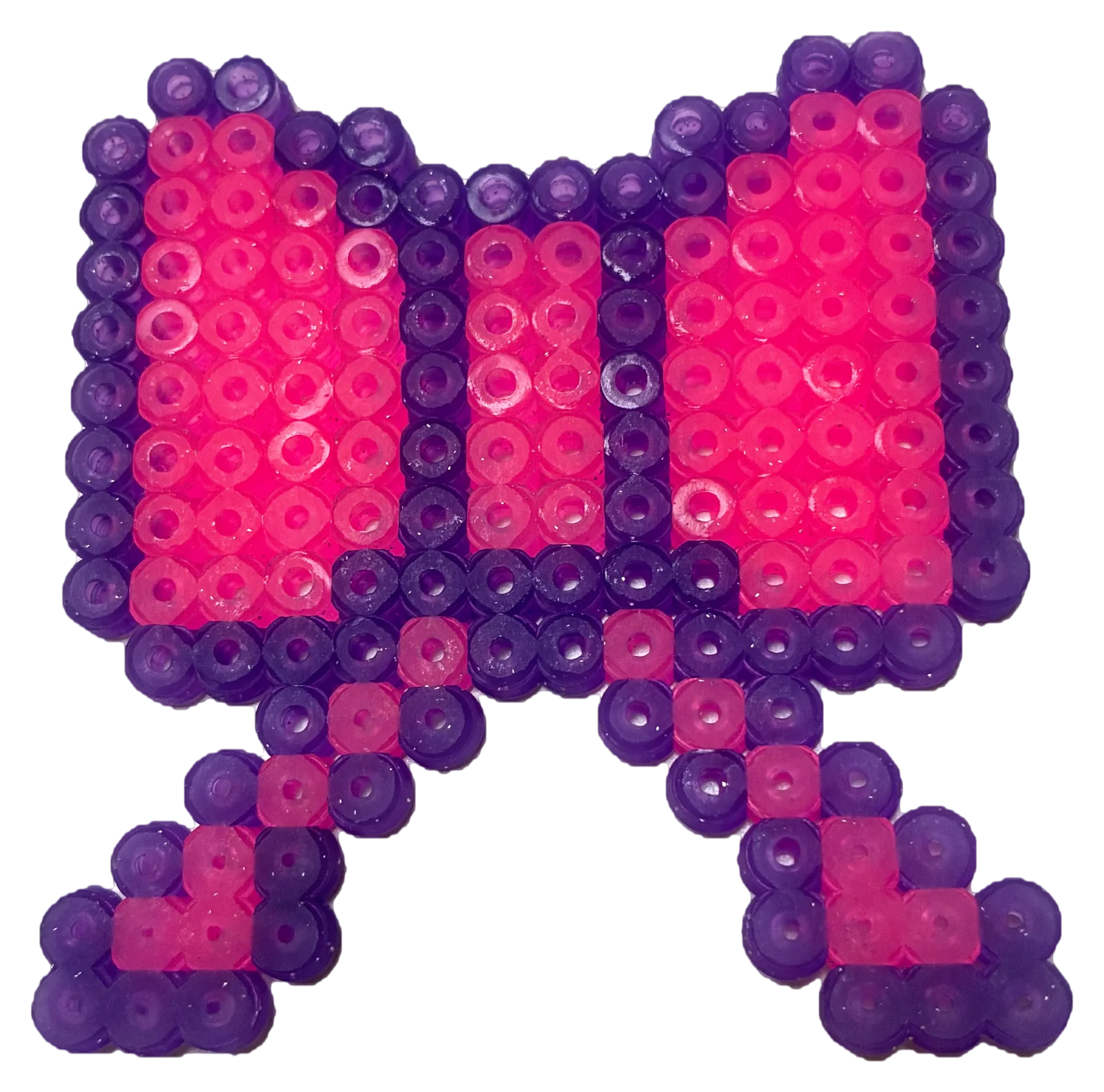
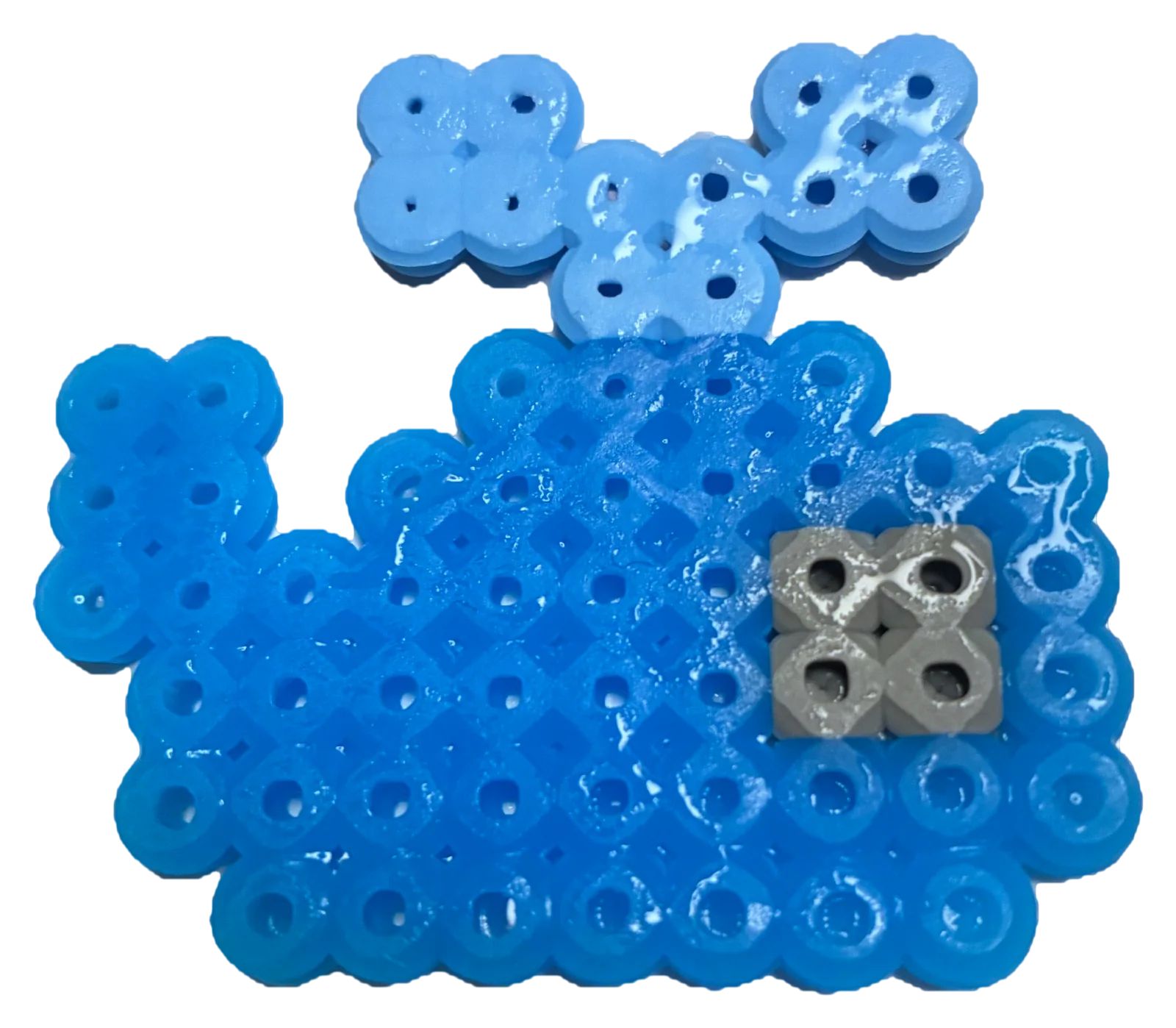
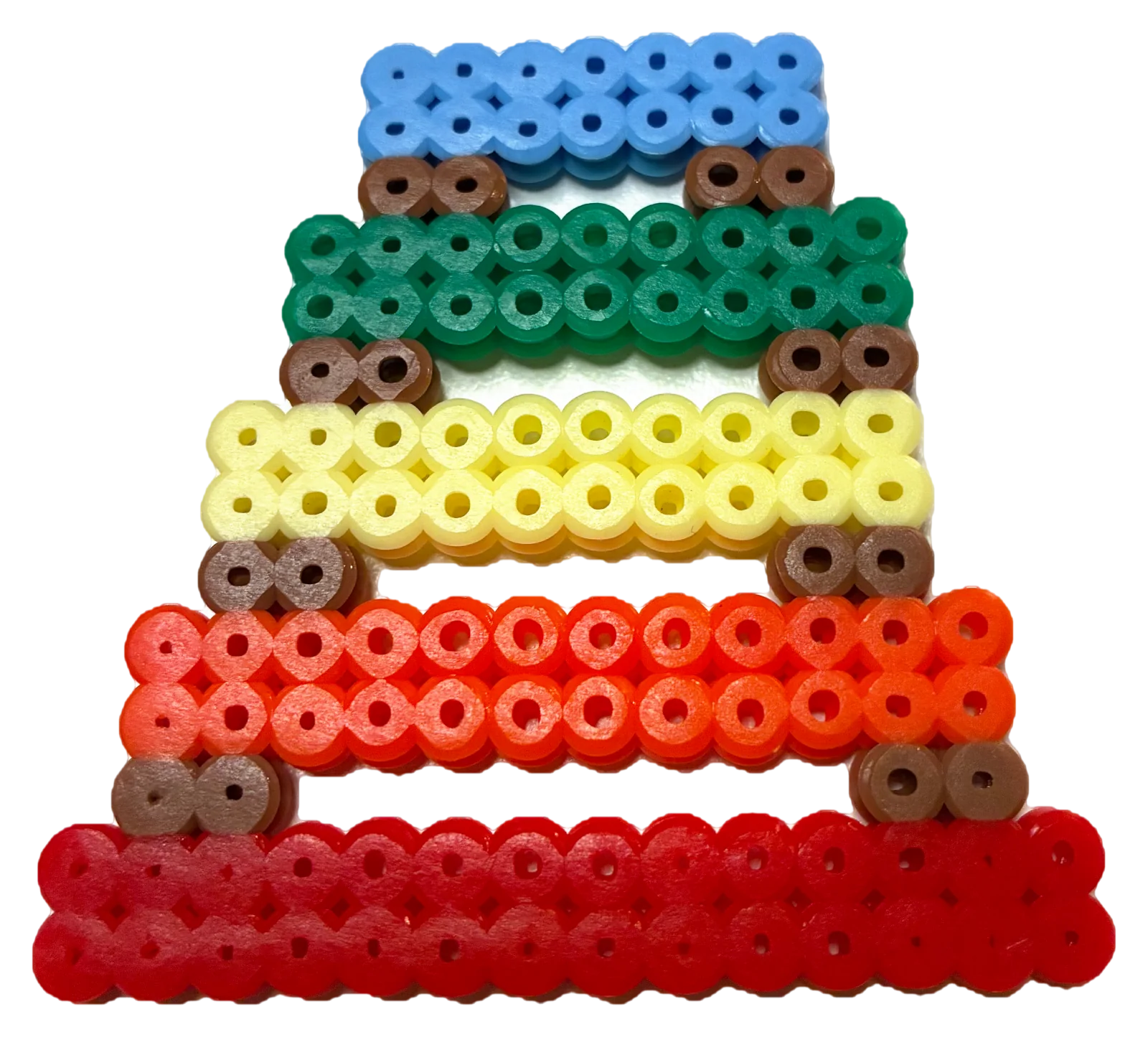
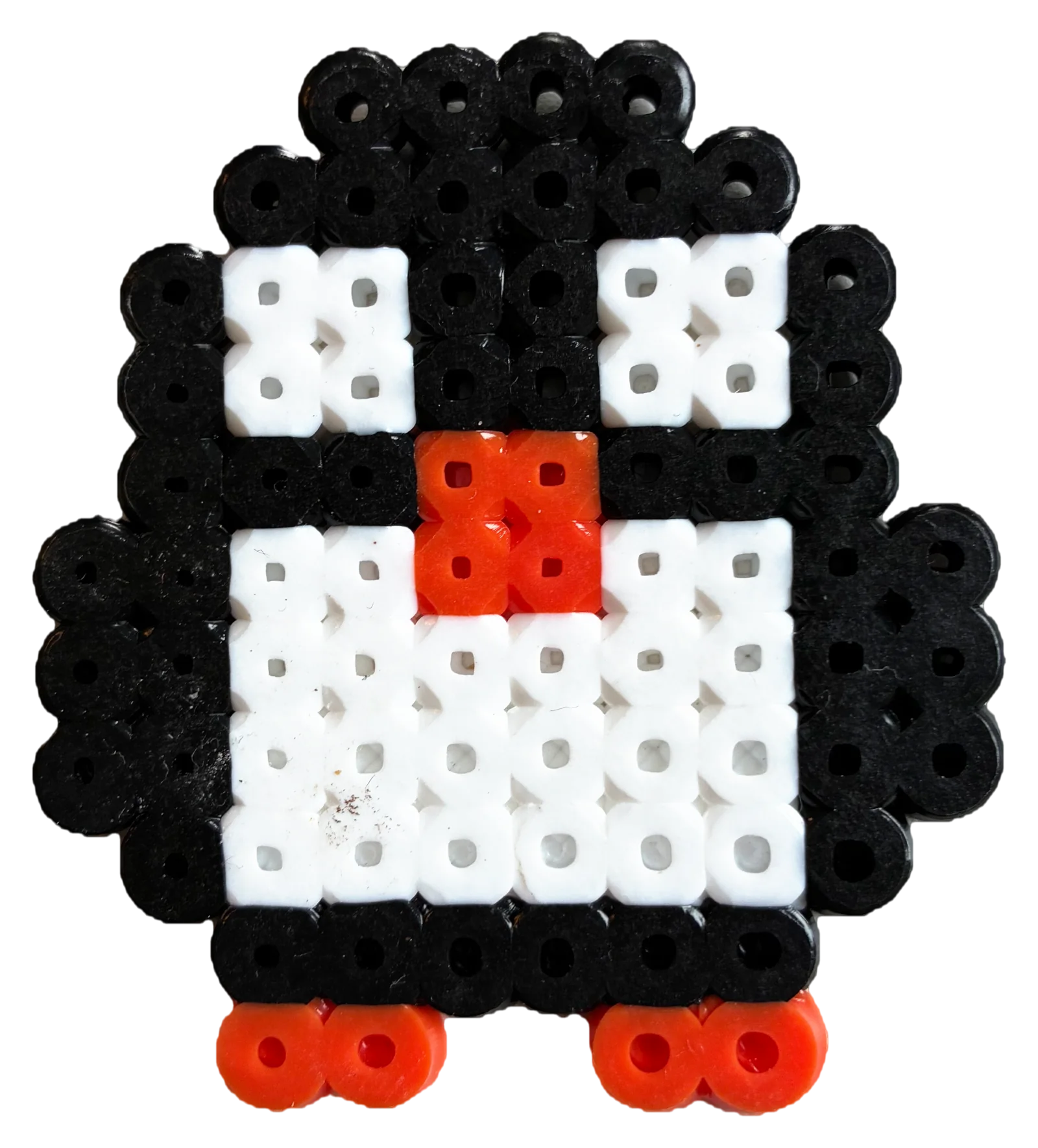
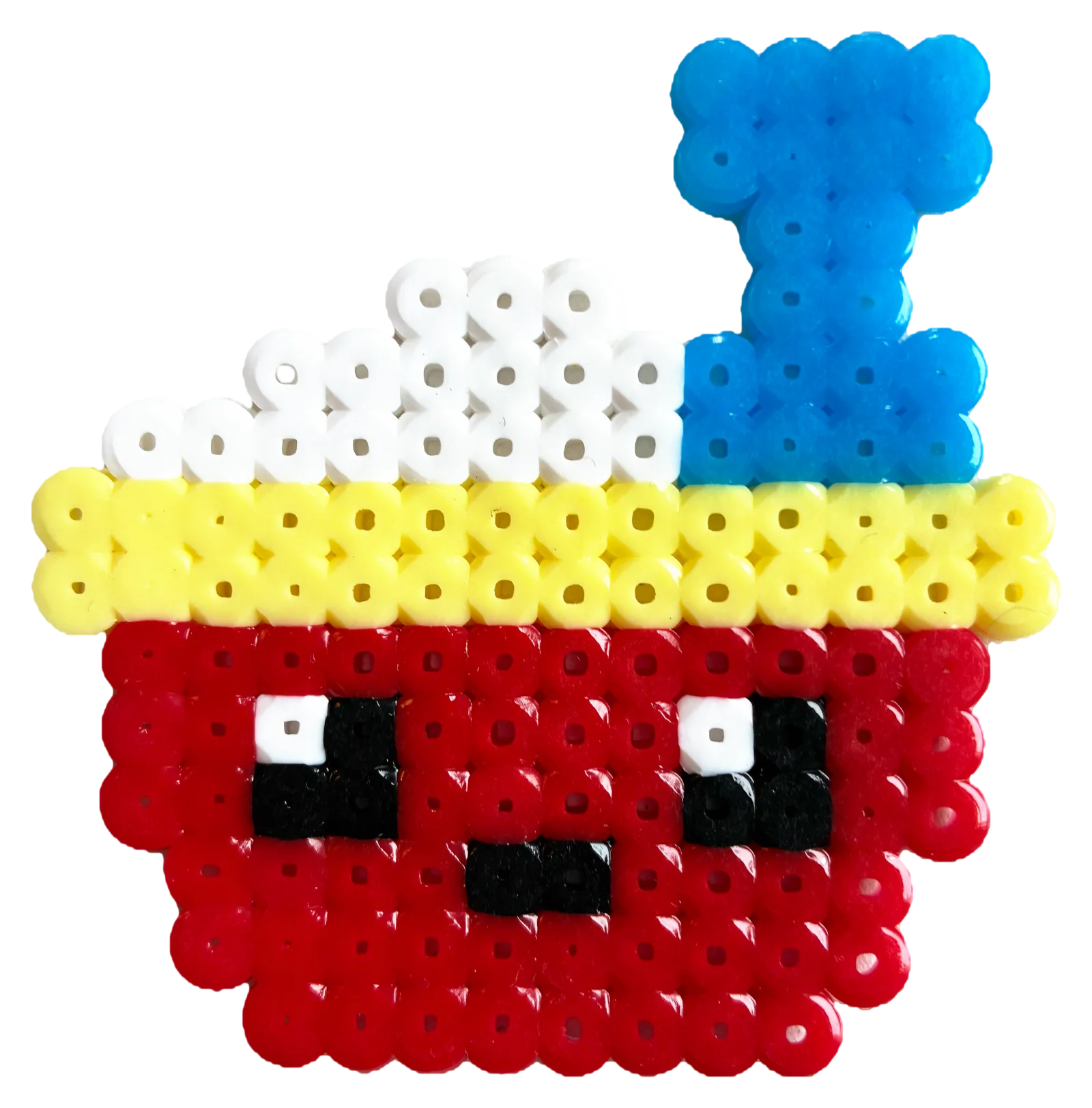
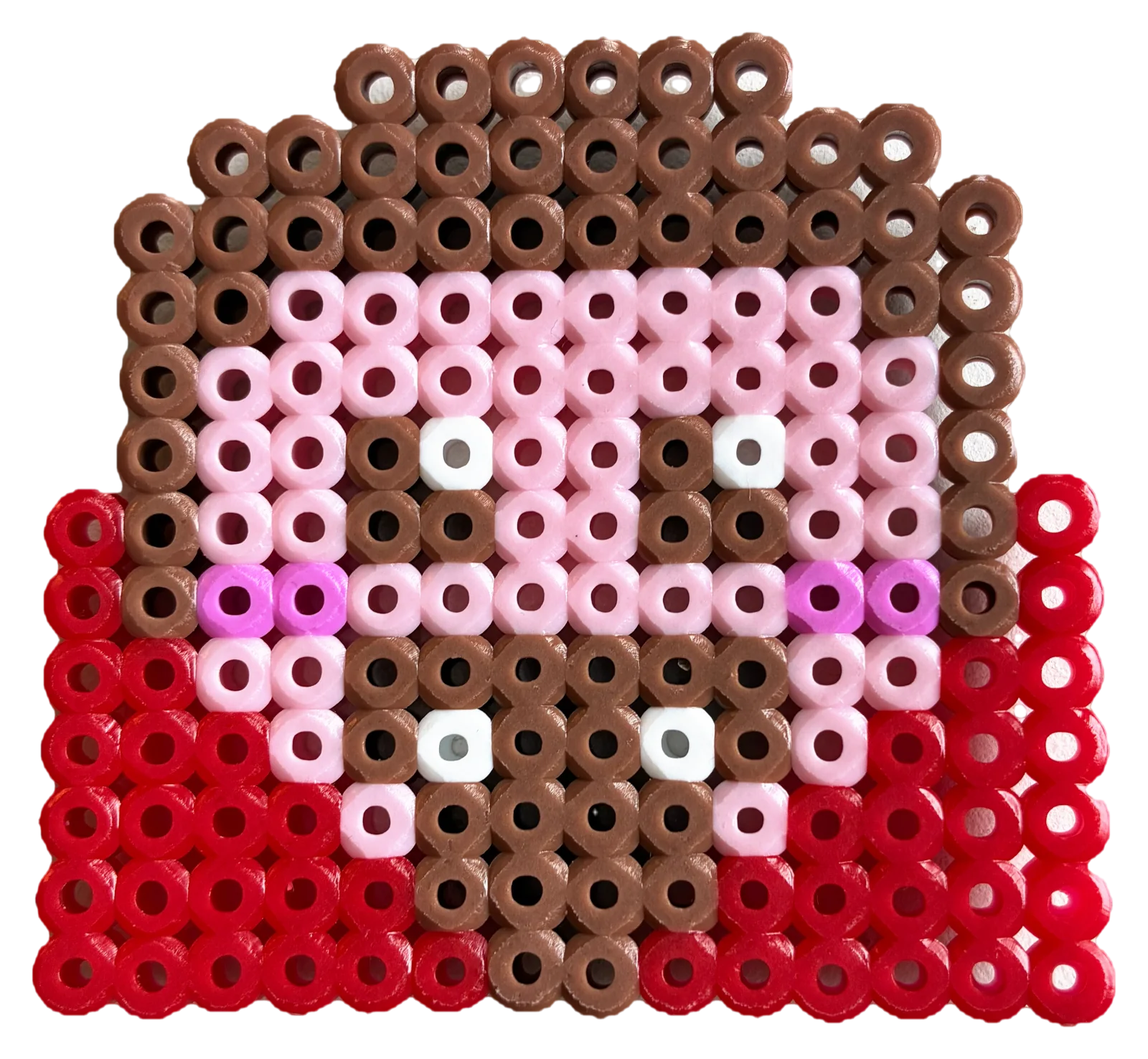
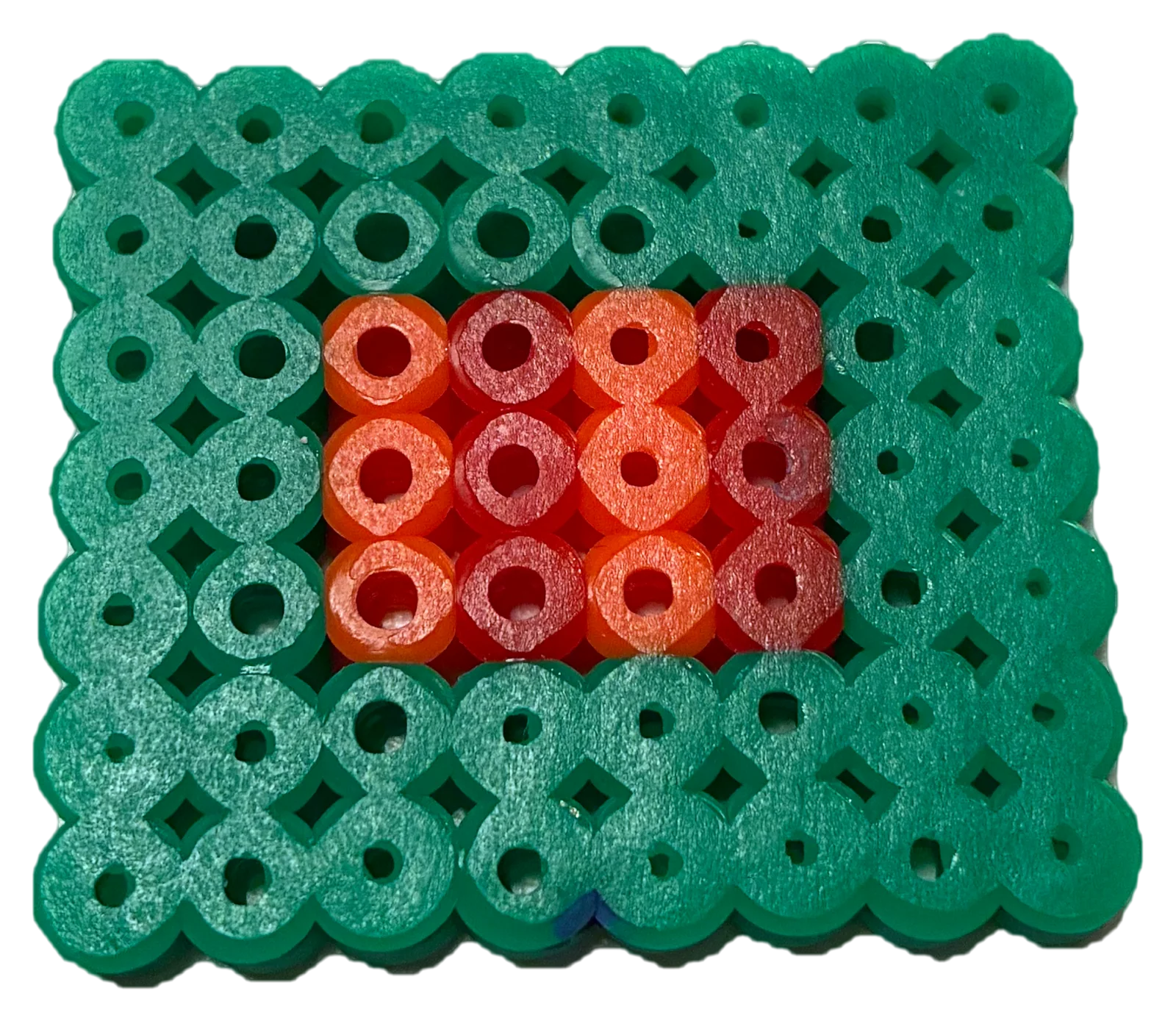
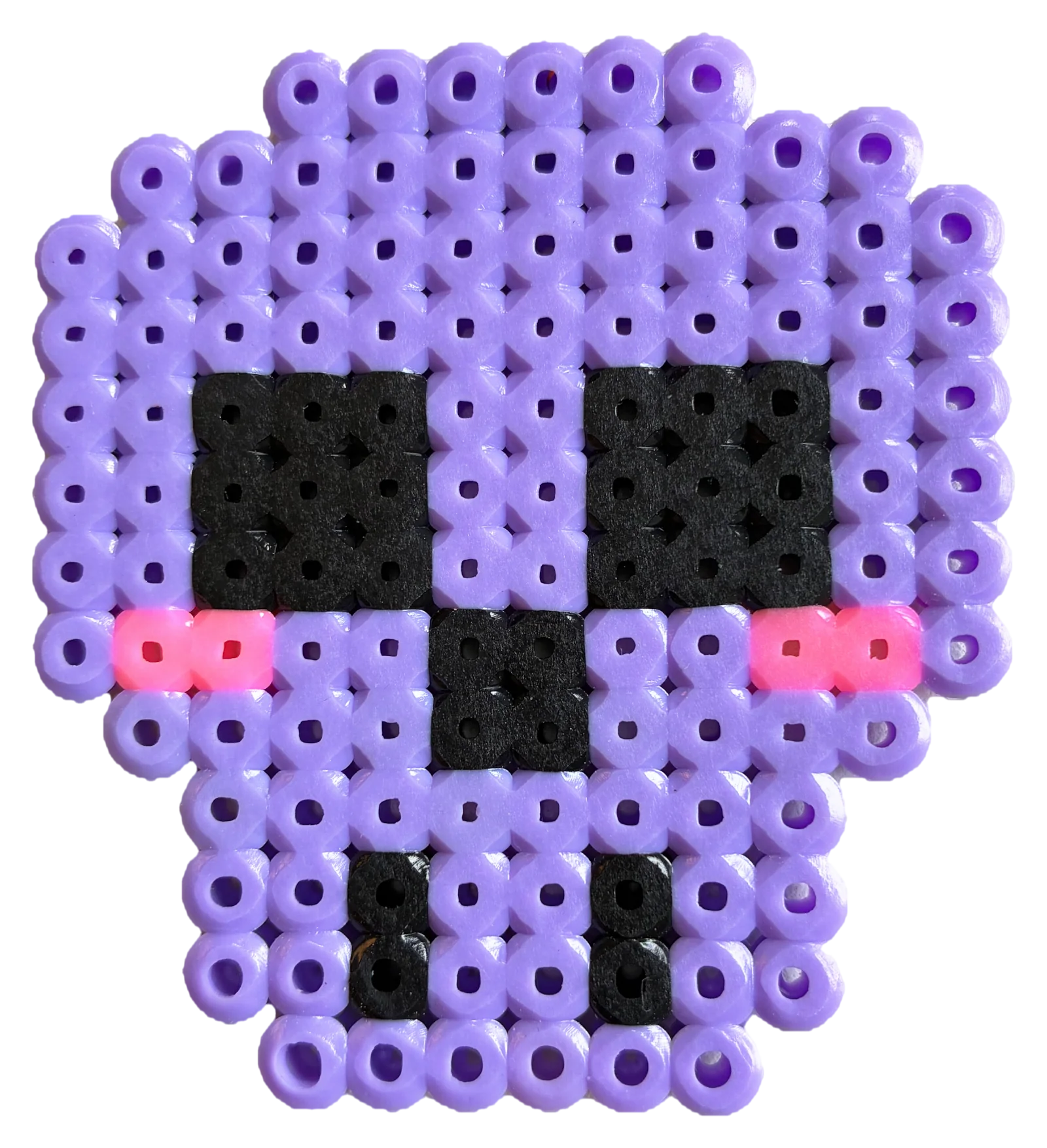
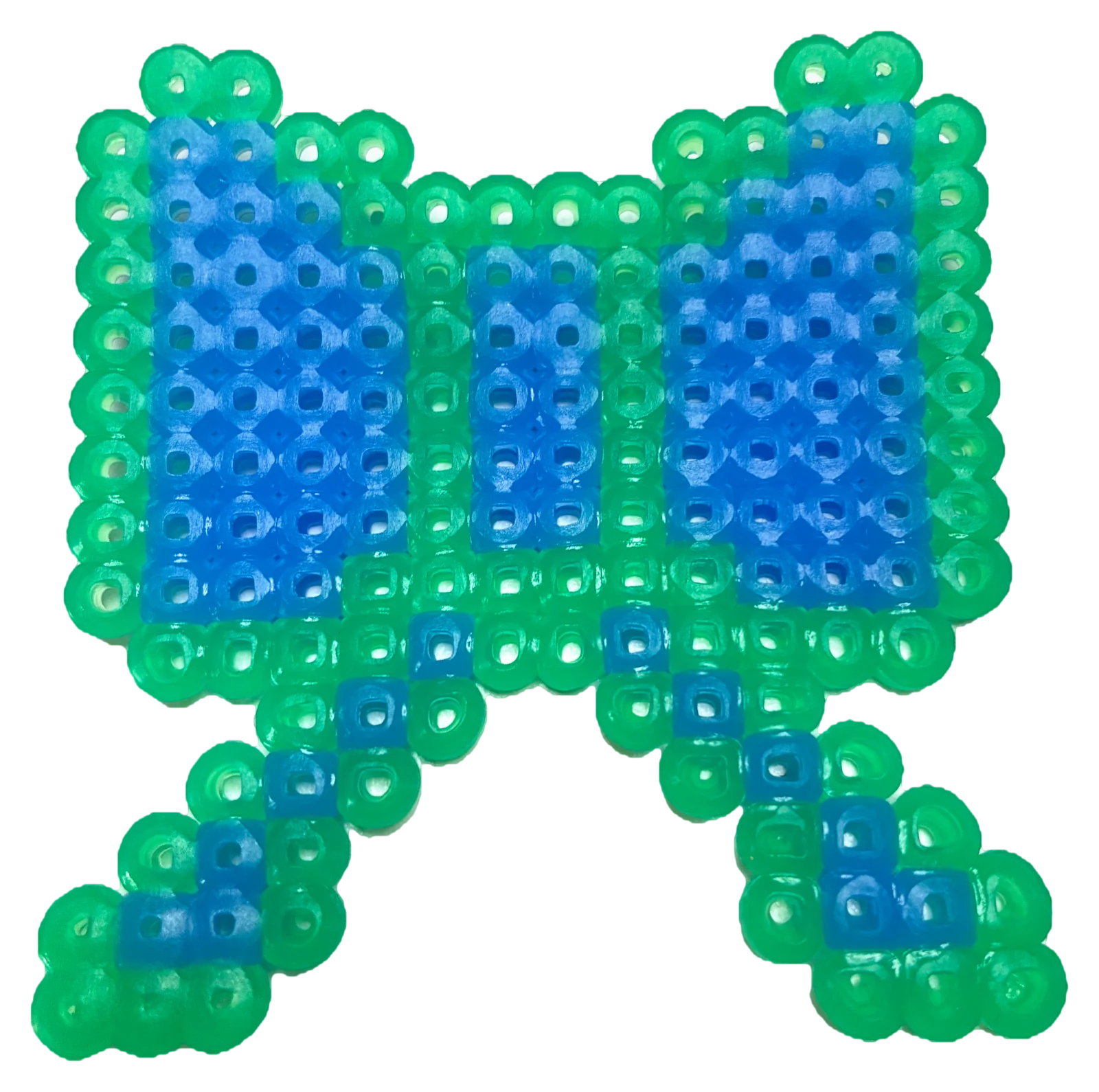
This is how the boards turn out once they are beaded and ironed. Find a design to start with among hundreds of patterns in categories.
-
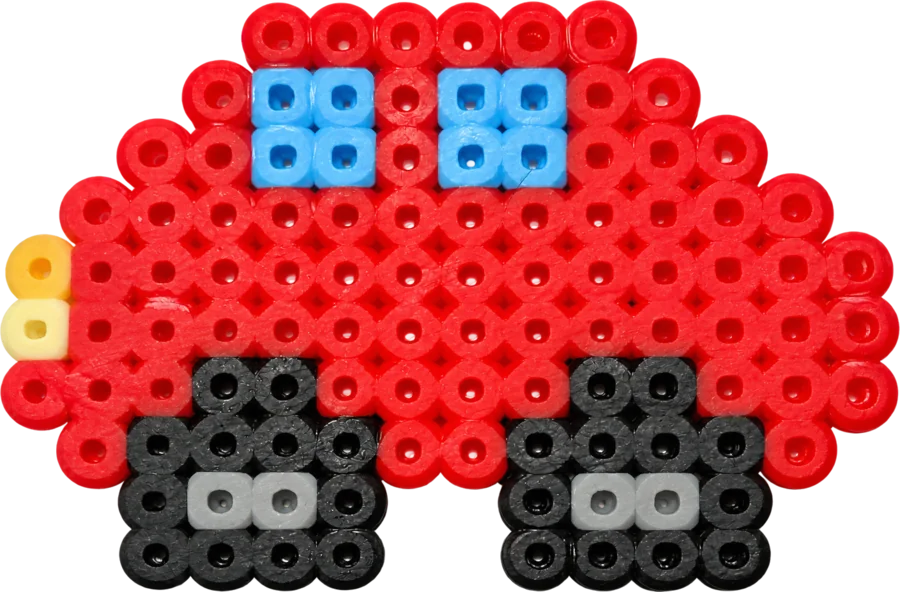
Red car -
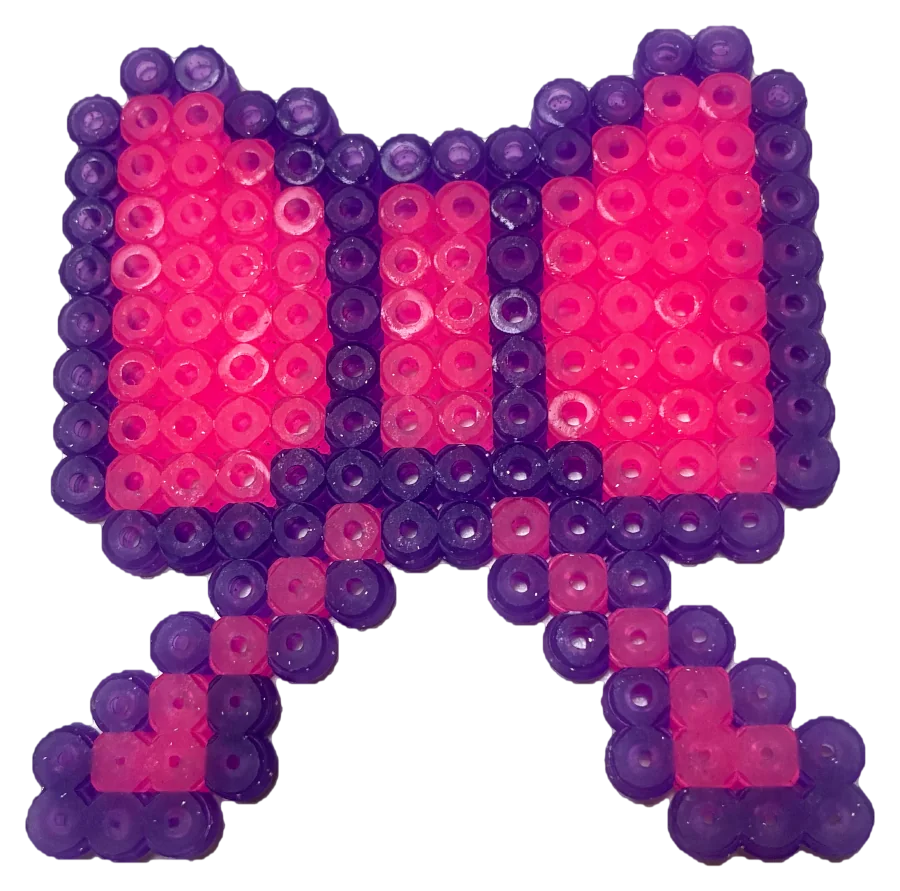
Pink bow -
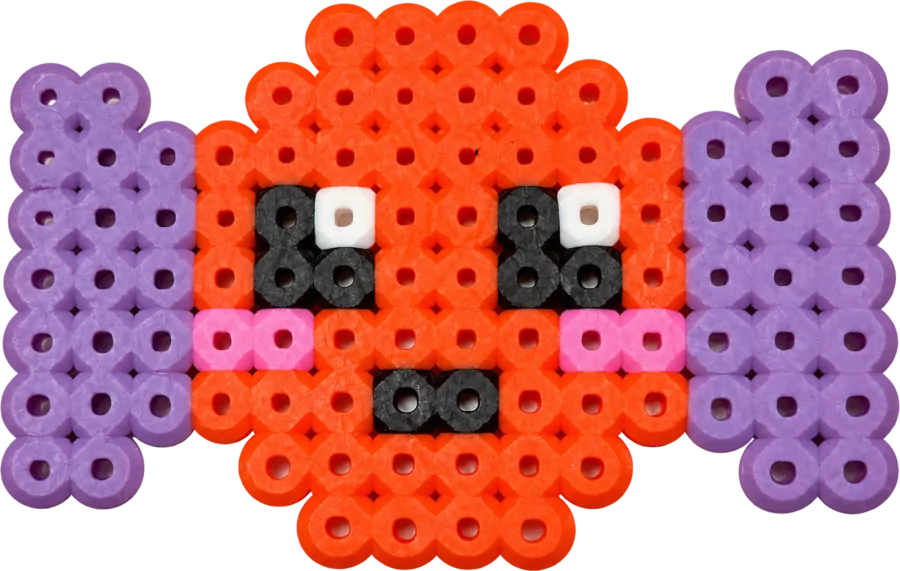
Candy with a face -
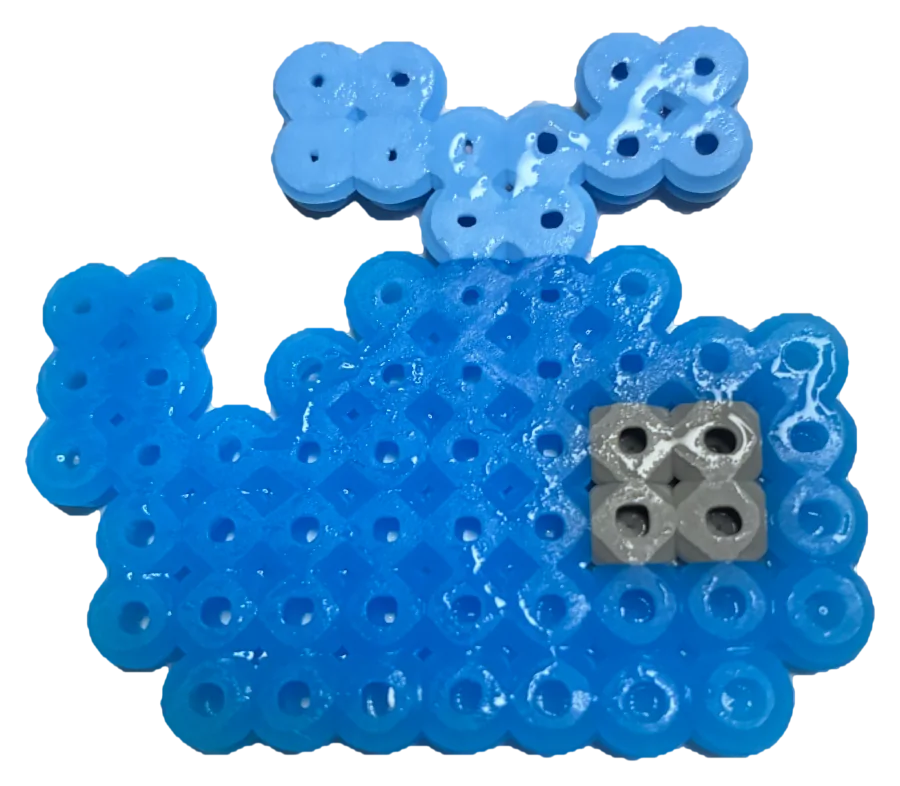
Blue whale -
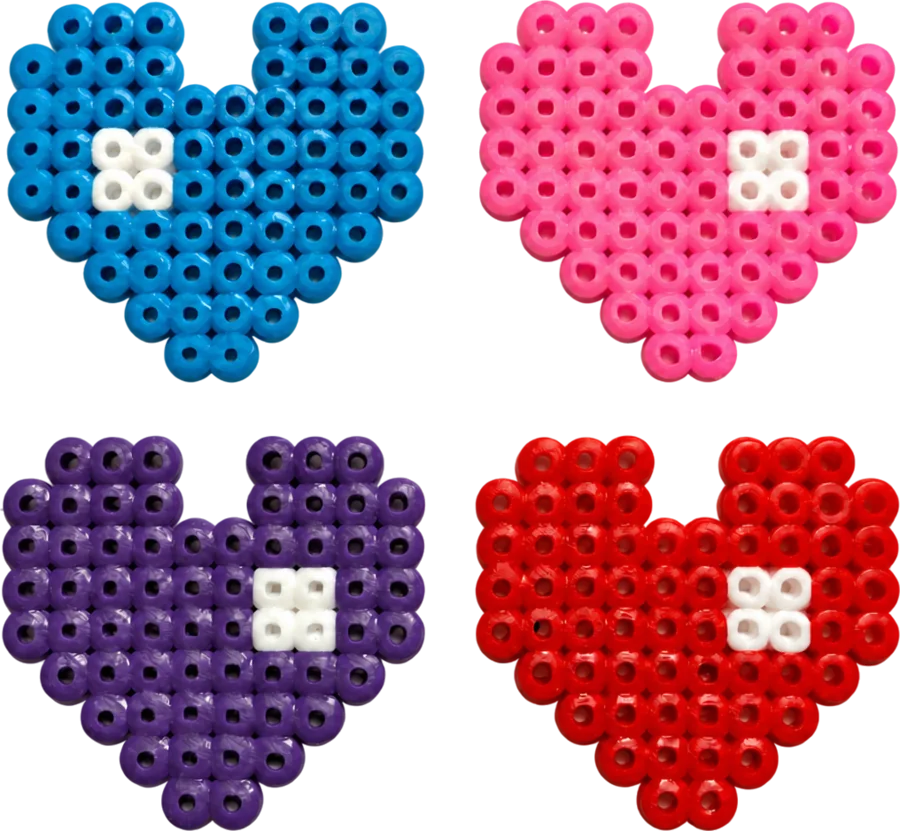
Four hearts -
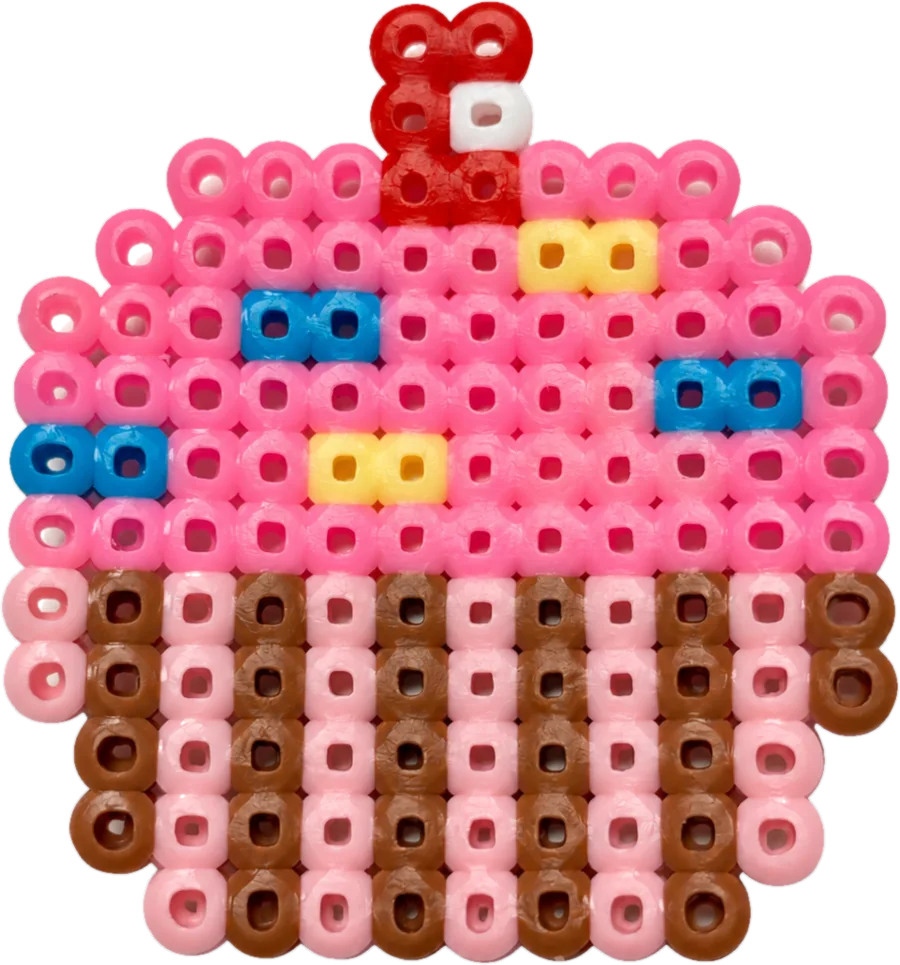
Cupcake -
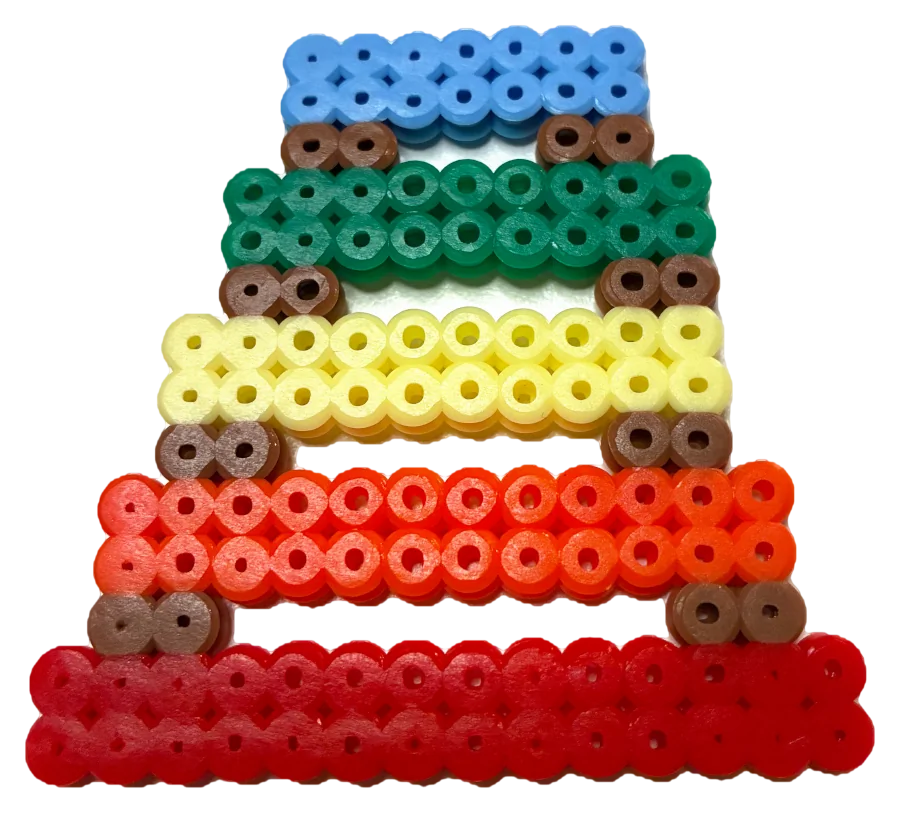
Rainbow tower -
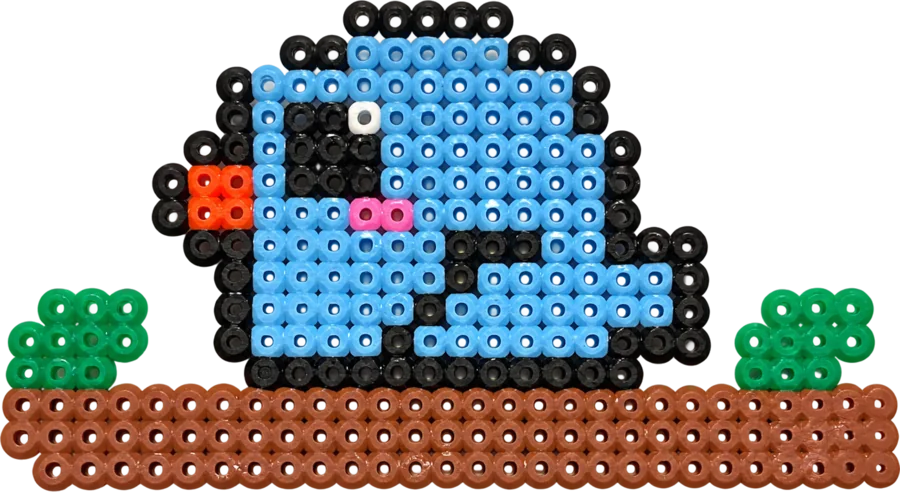
Blue bird -
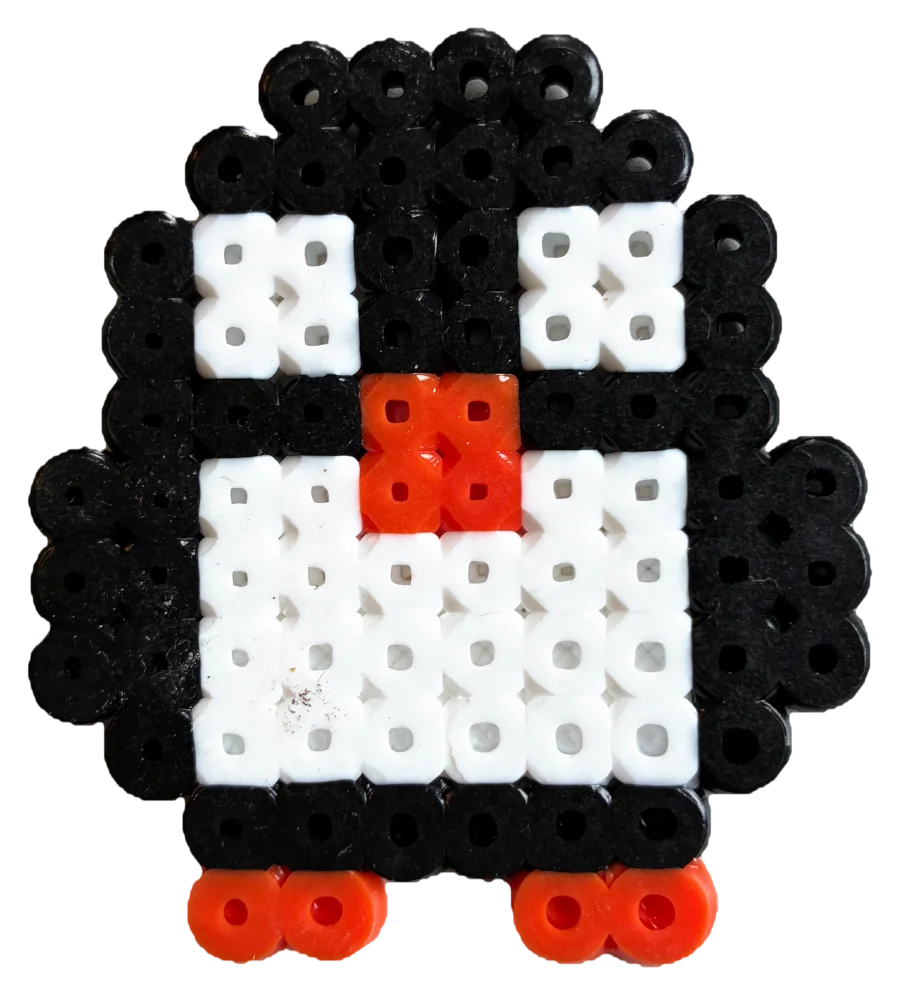
Penguin -
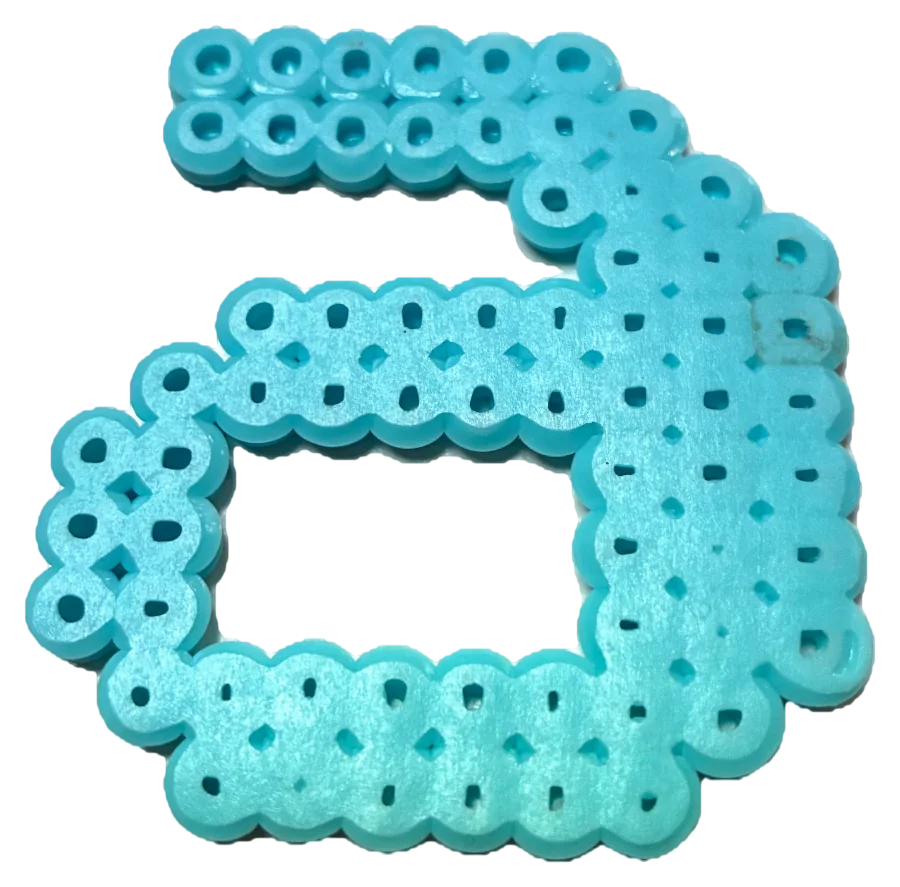
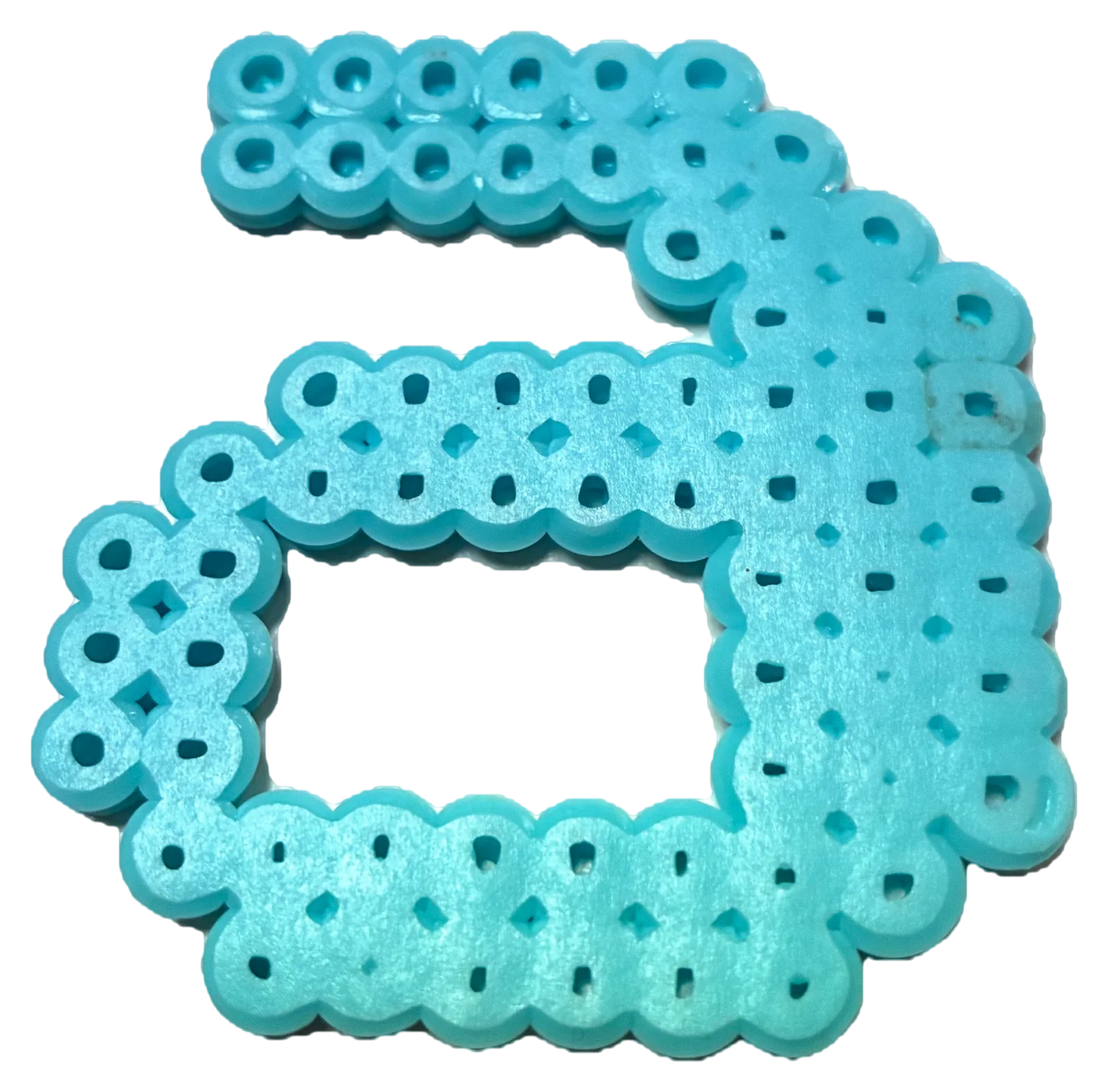
Letter a -
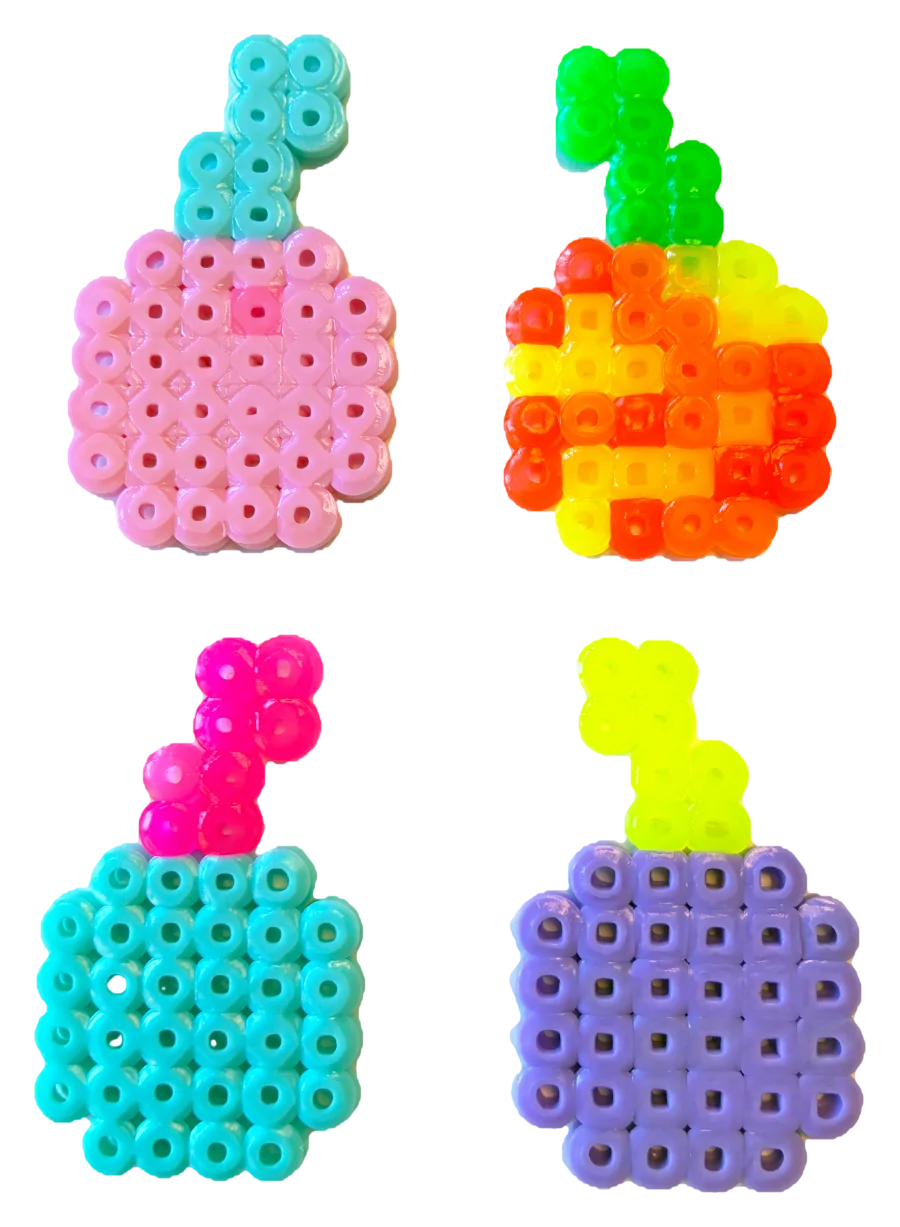
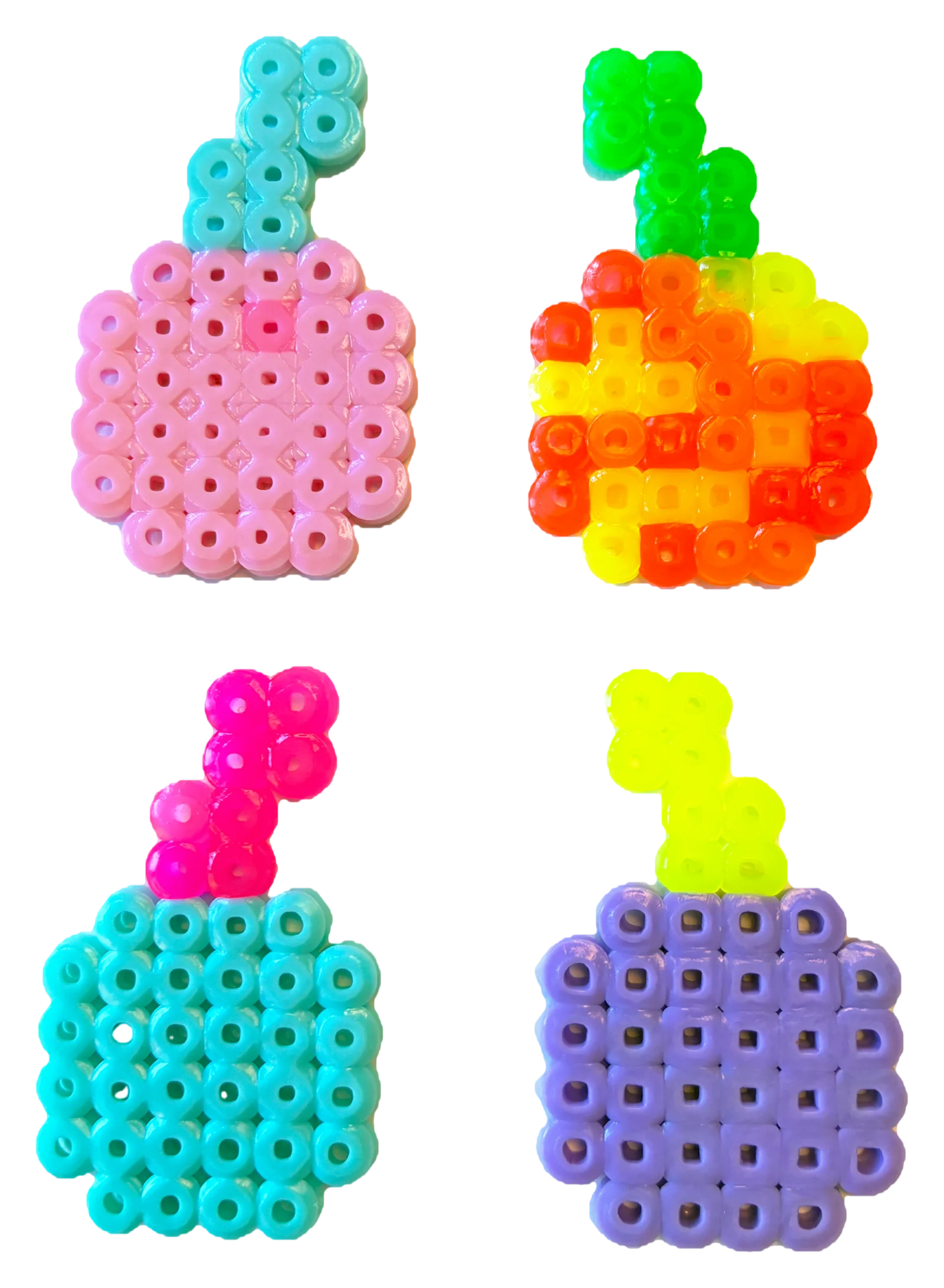
Four apples -
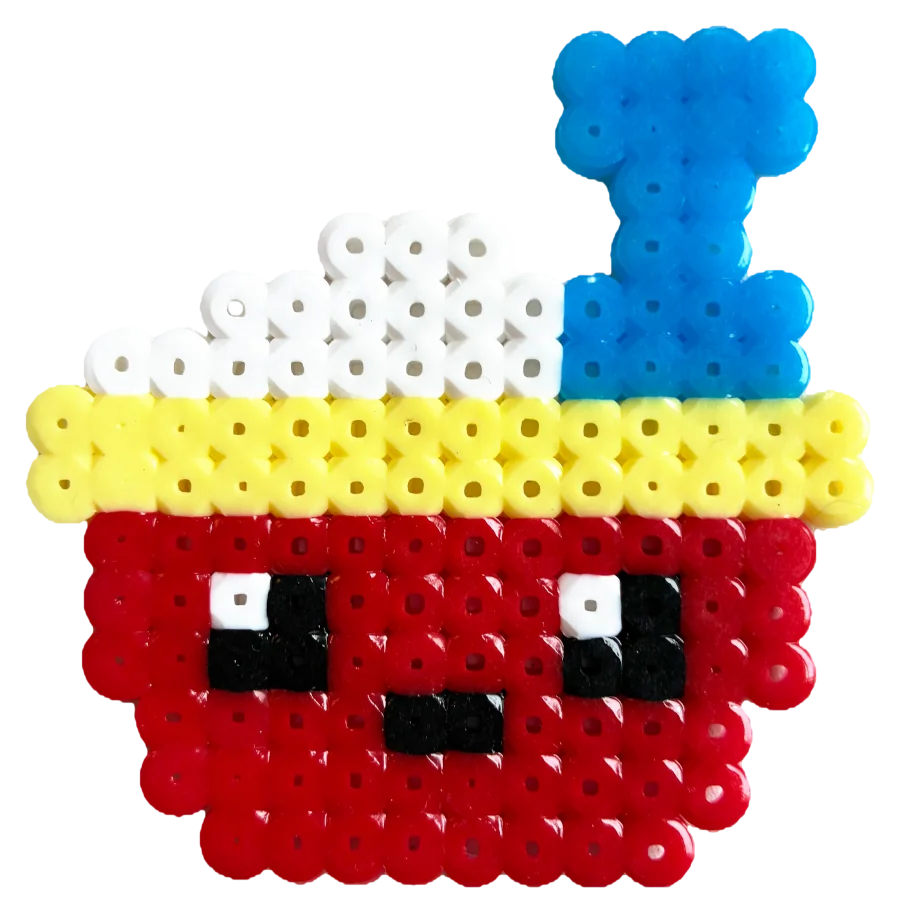
Drink with a straw -
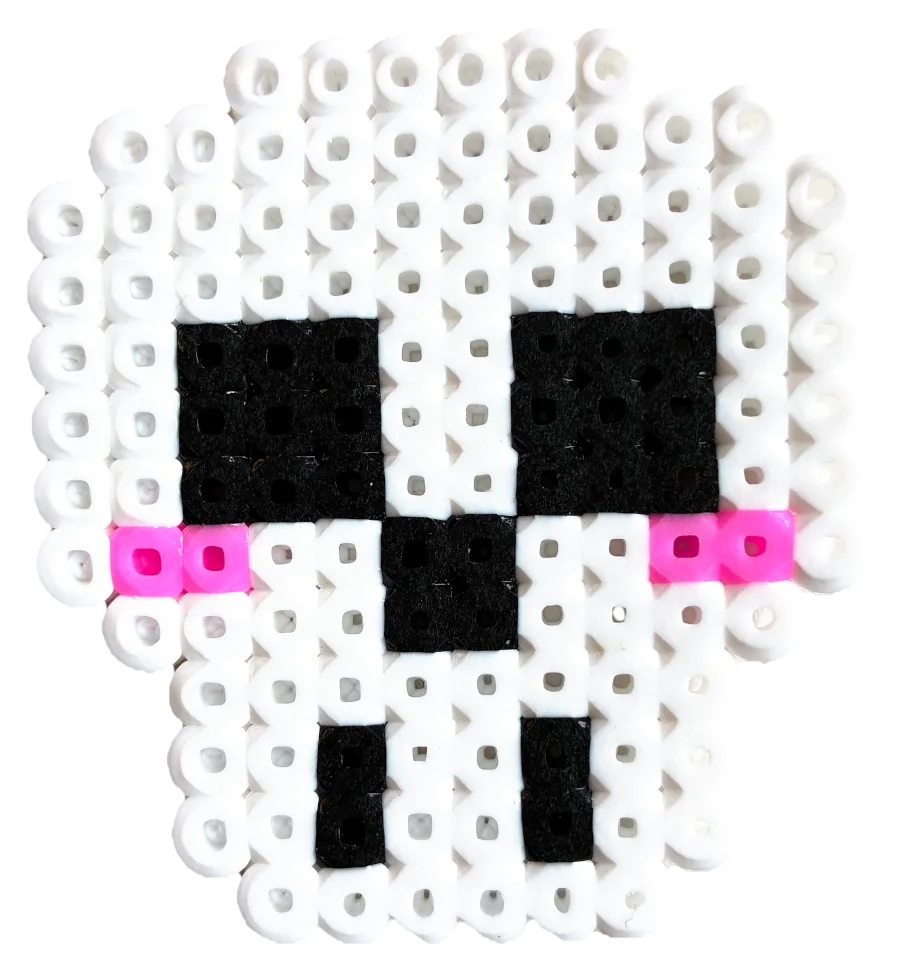
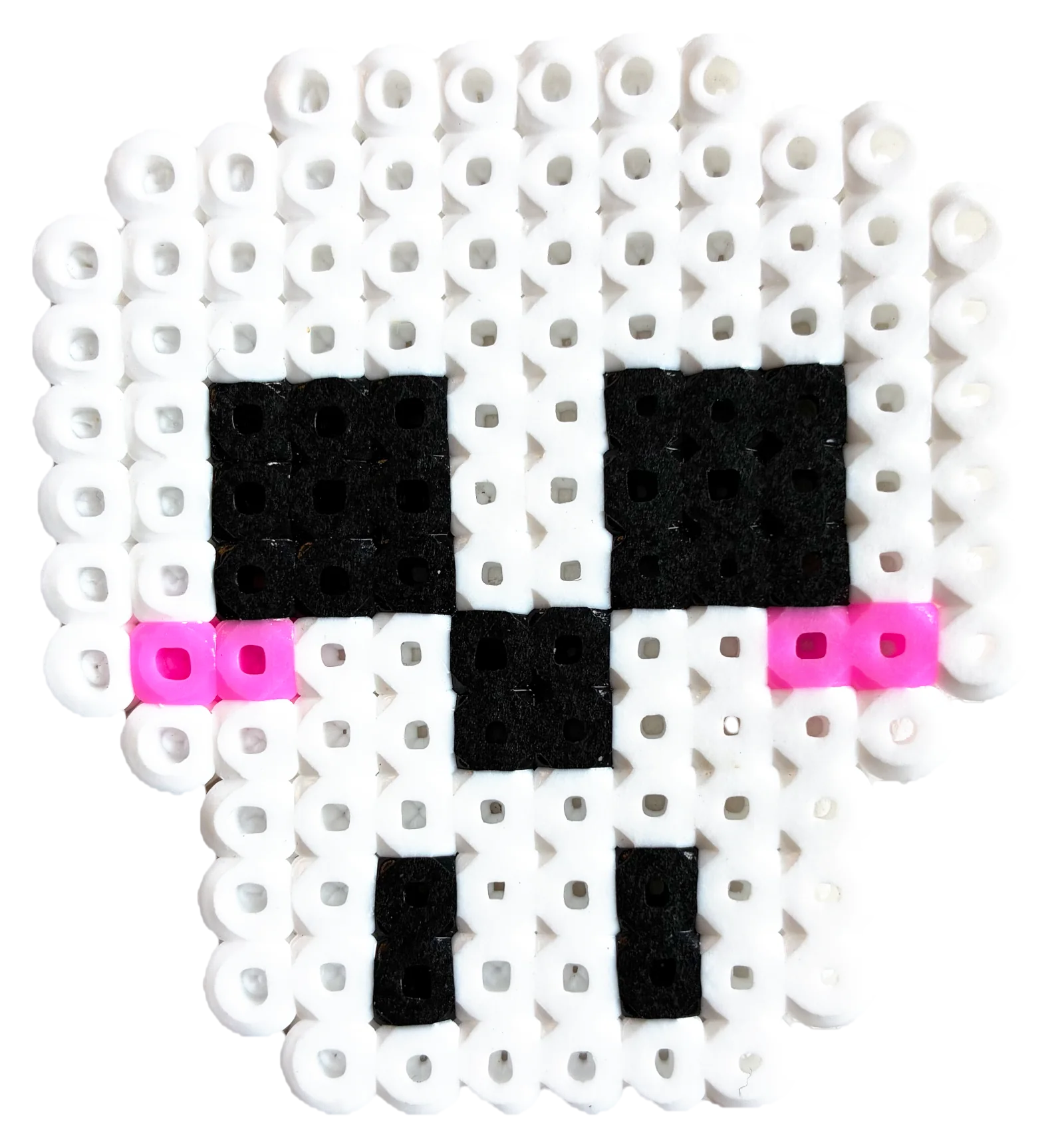
White skull -
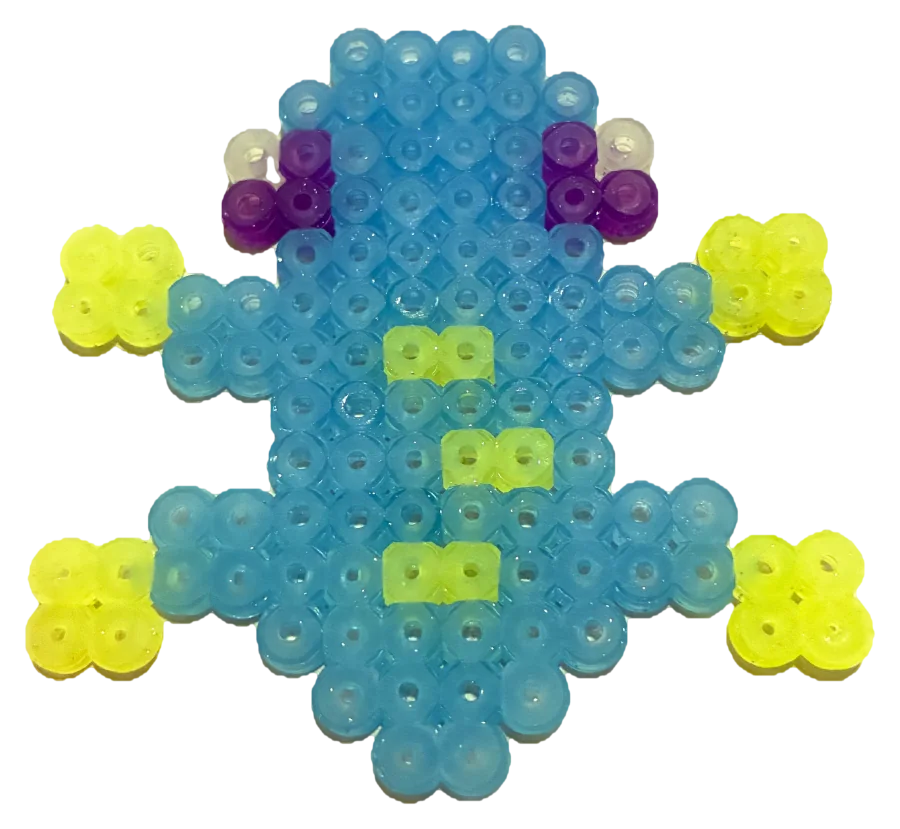
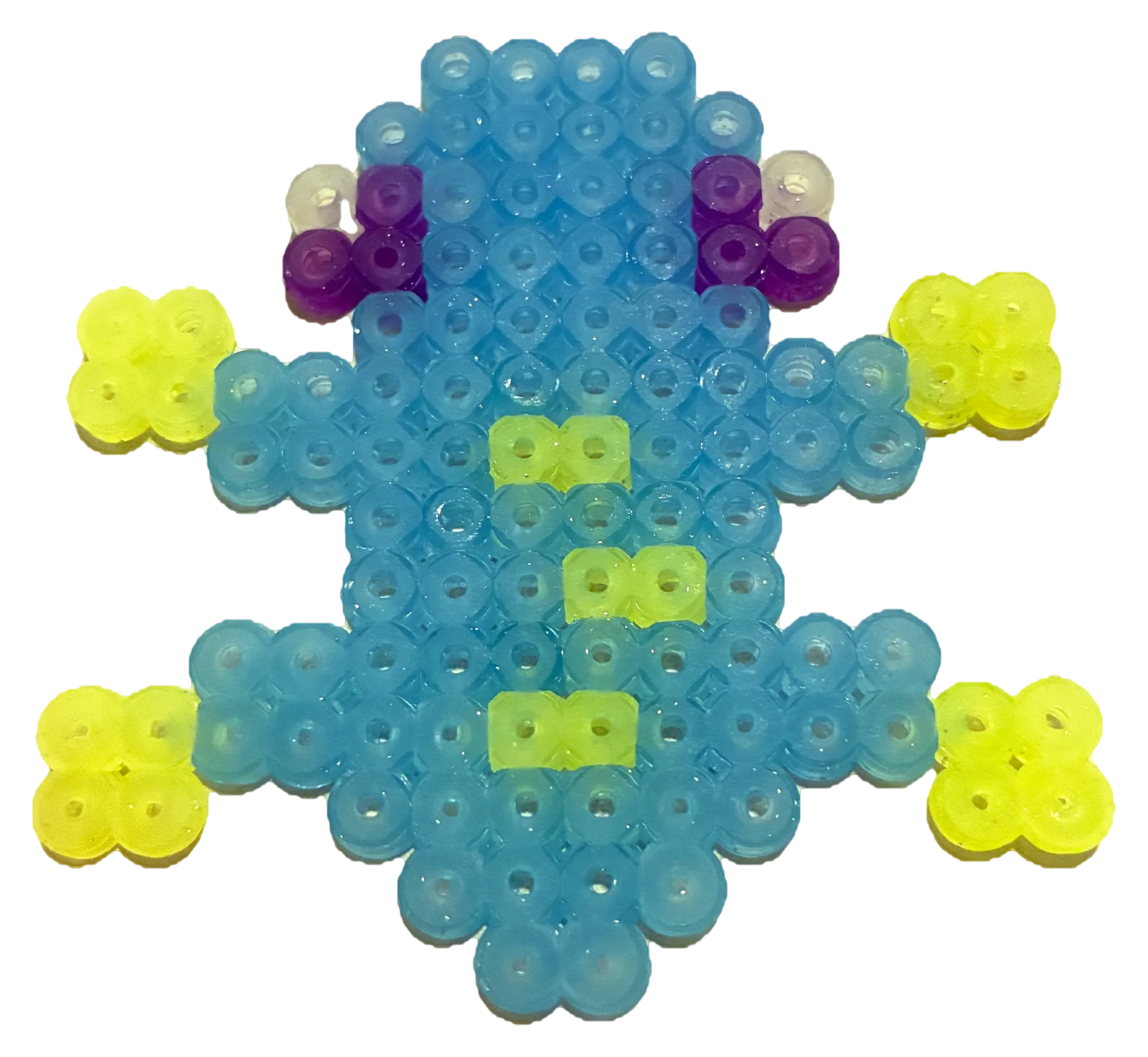
Blue frog -
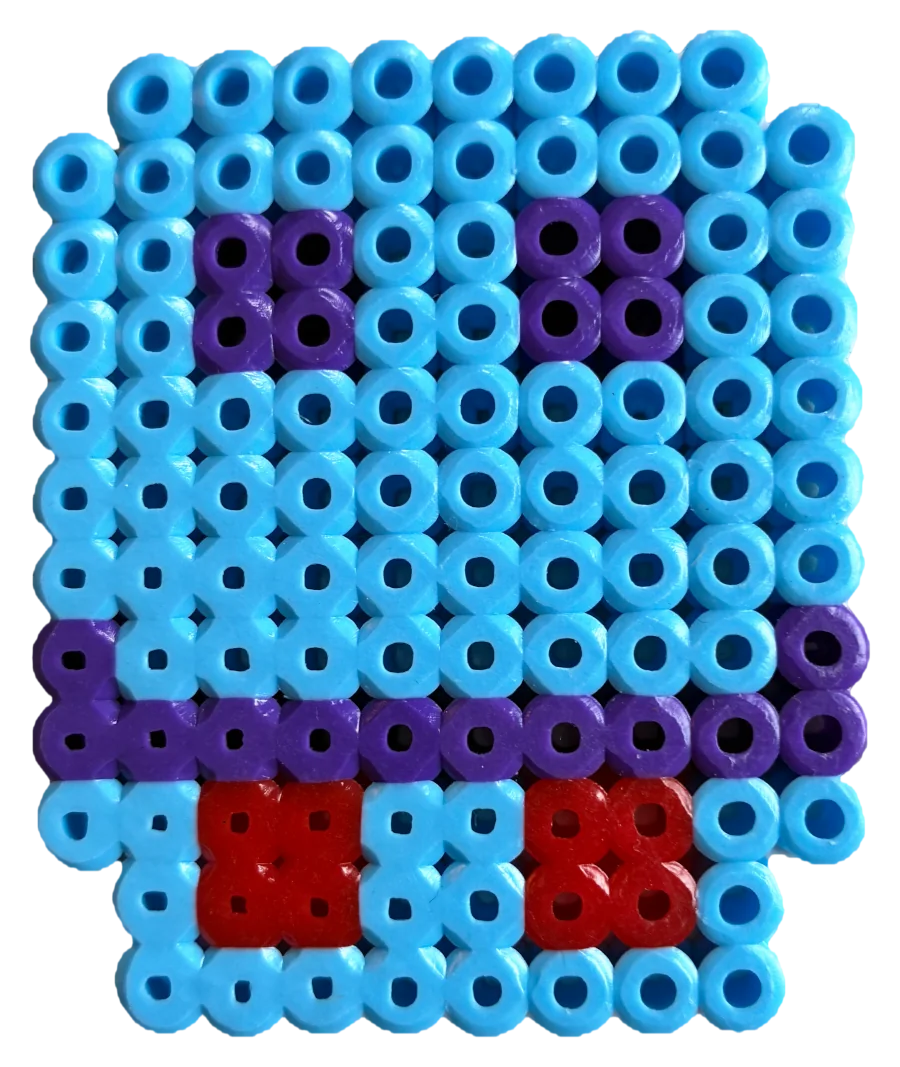
Robot -
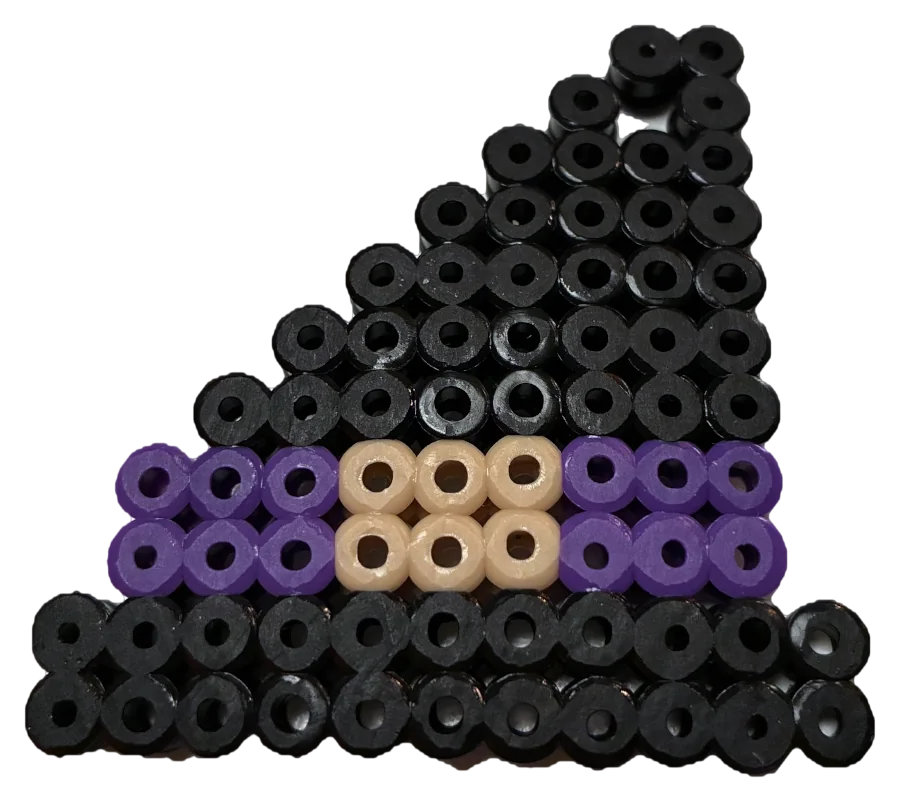
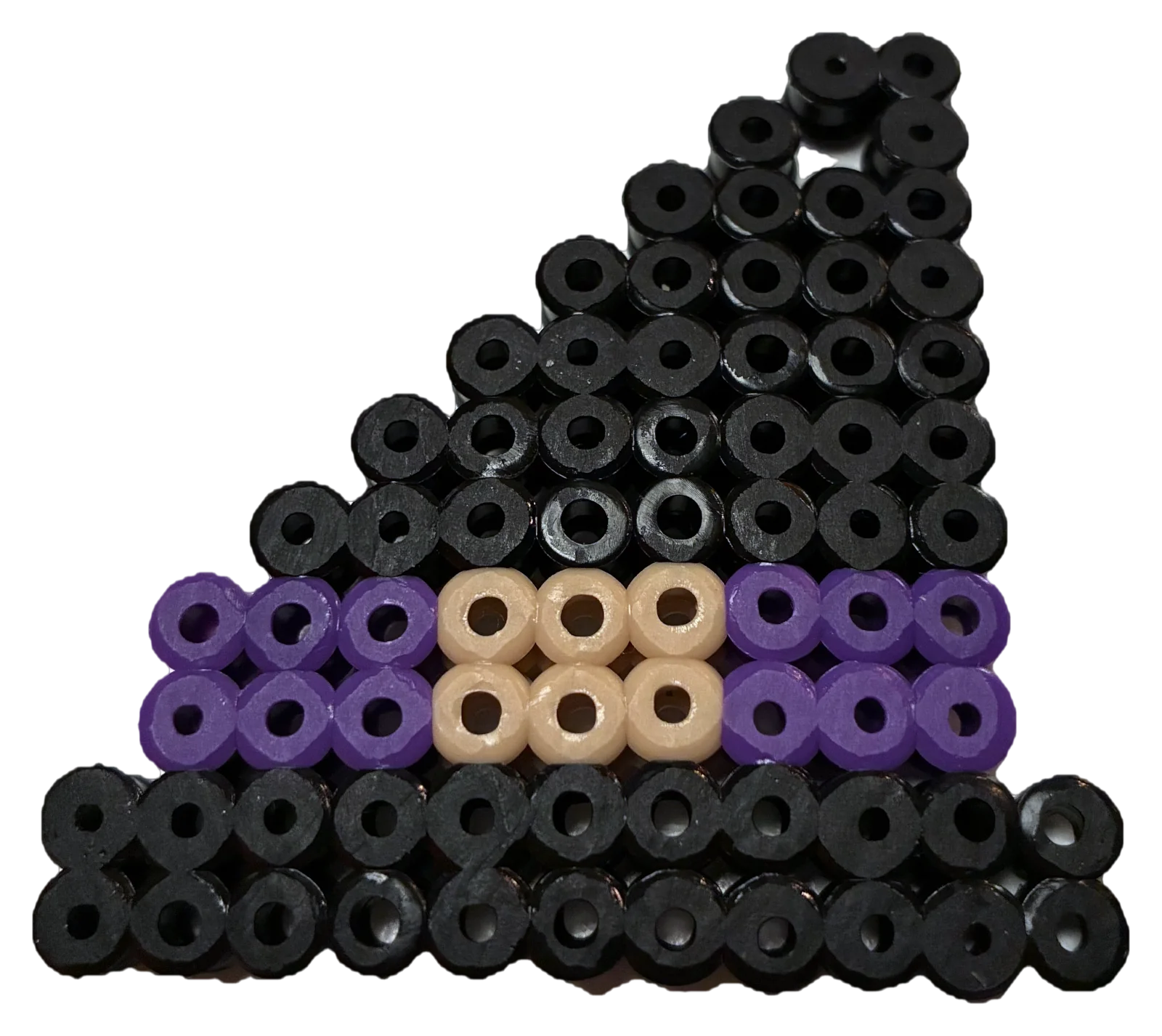
Witch hat -
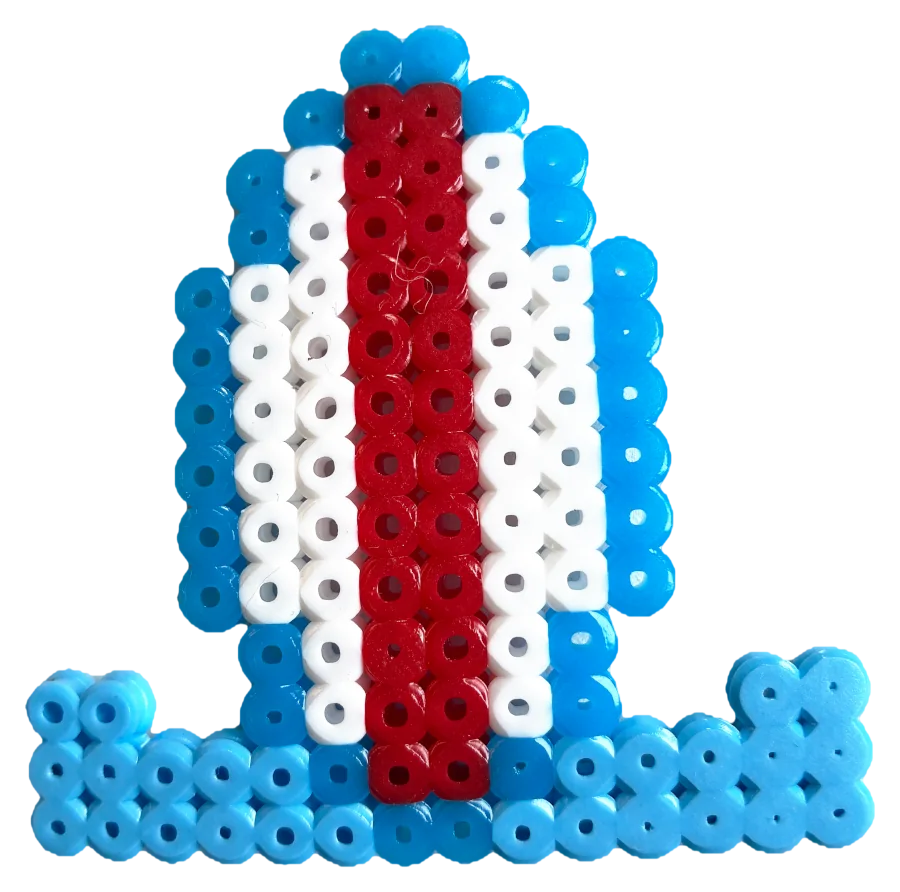
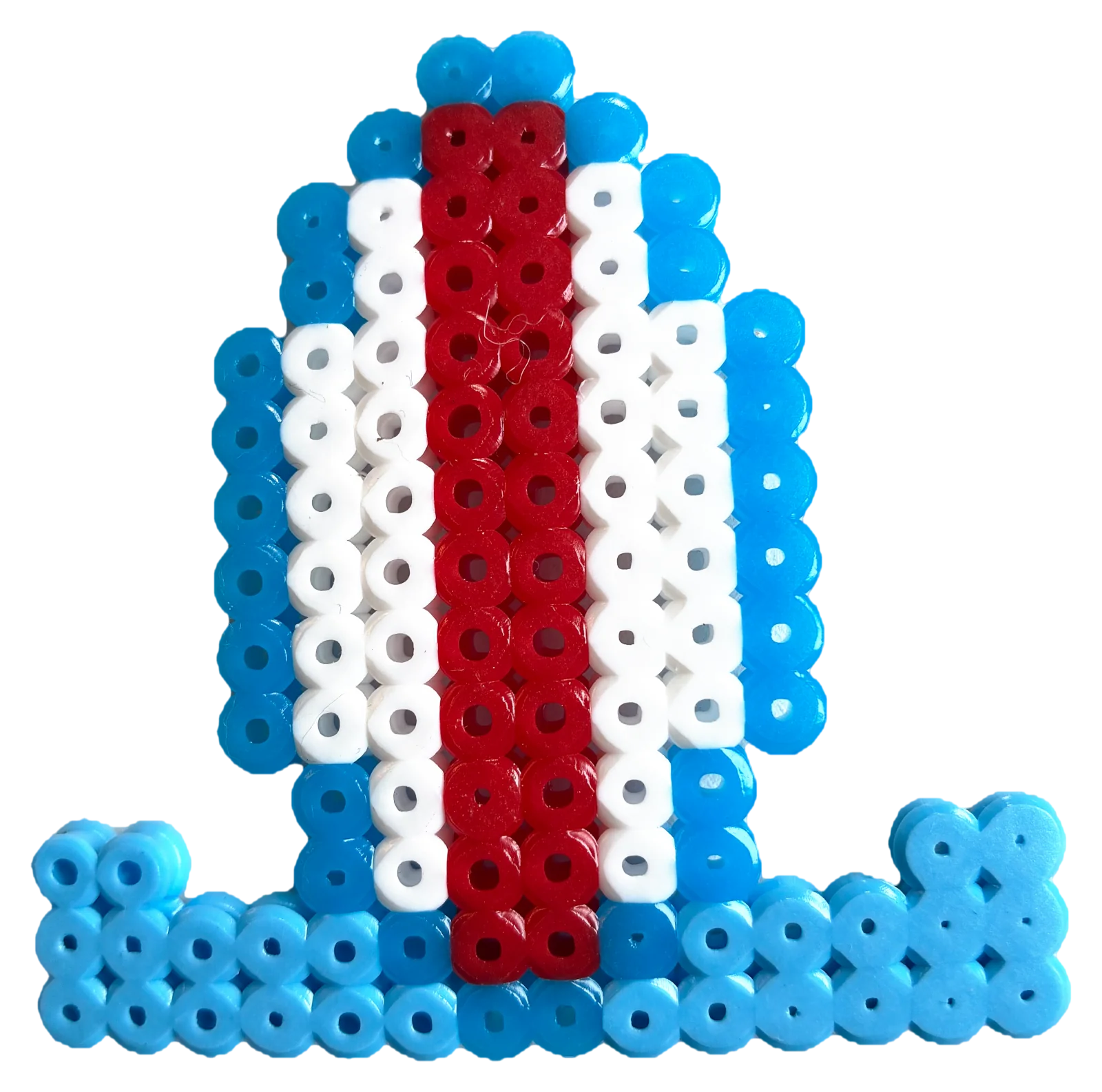
Surfboard -
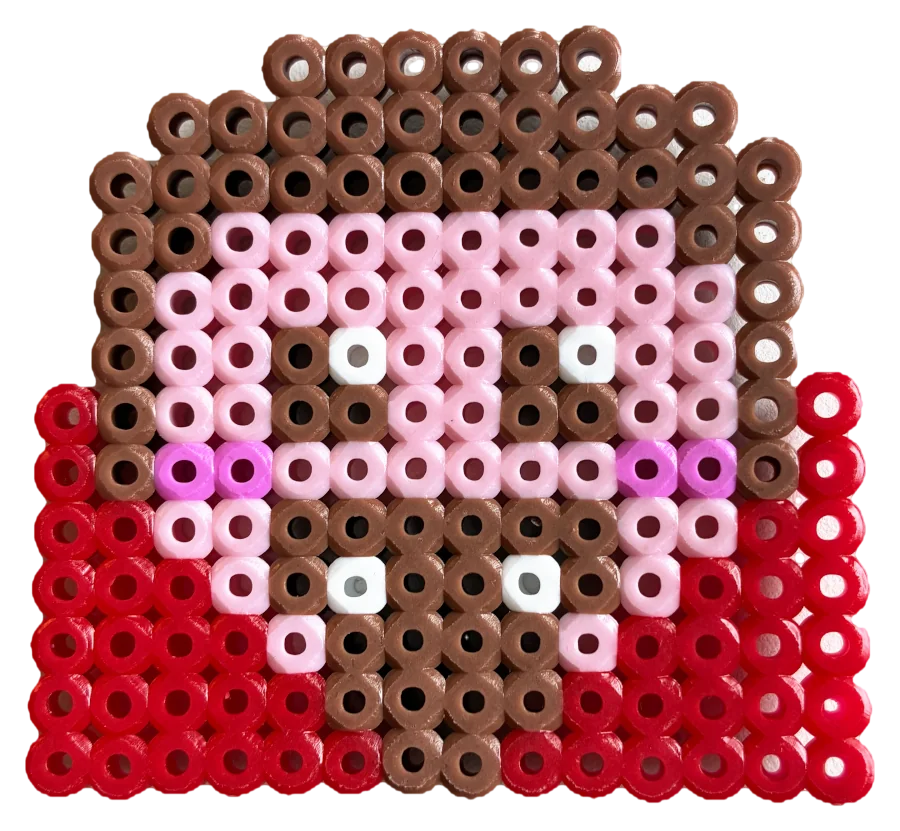
Vampire -
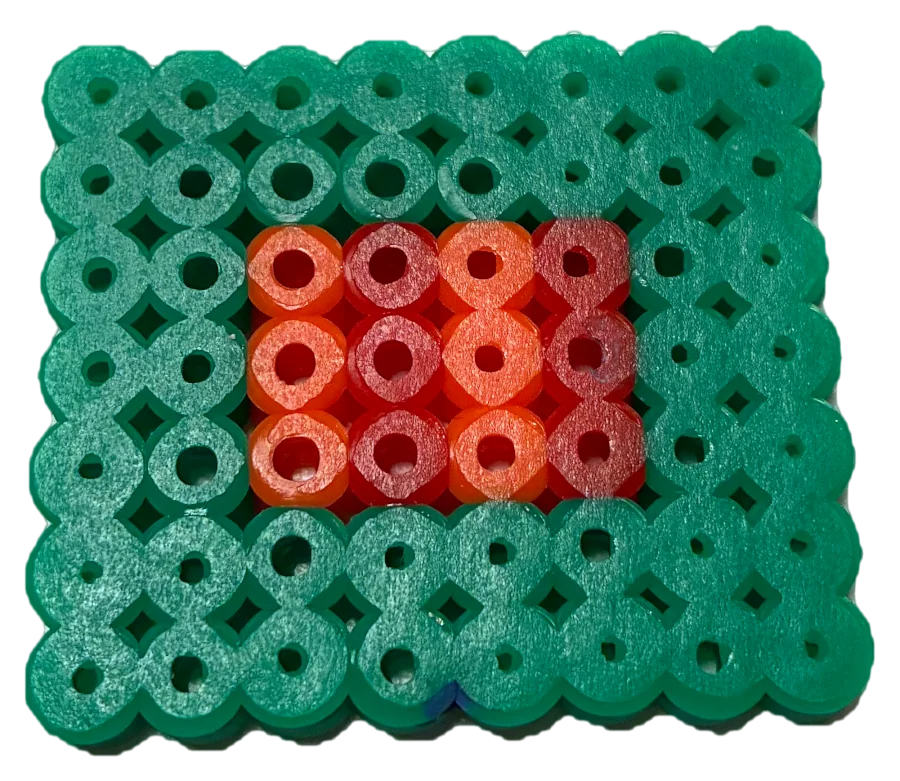
Green frame -
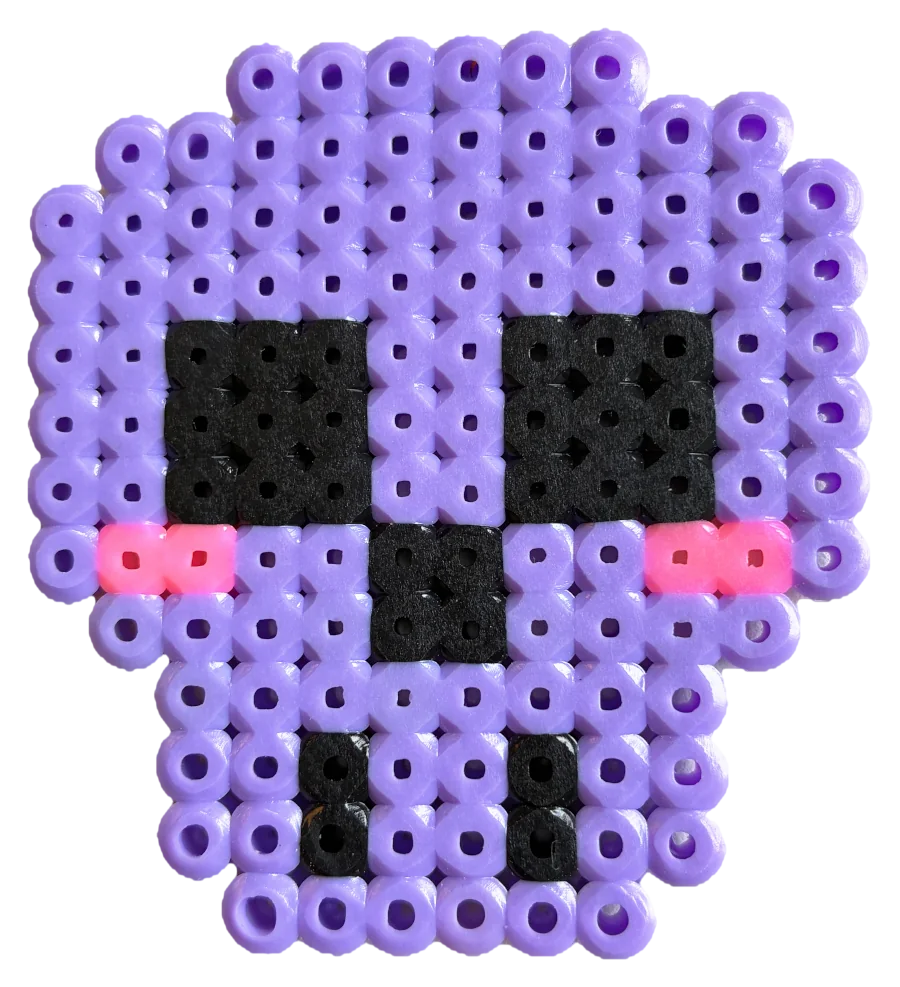
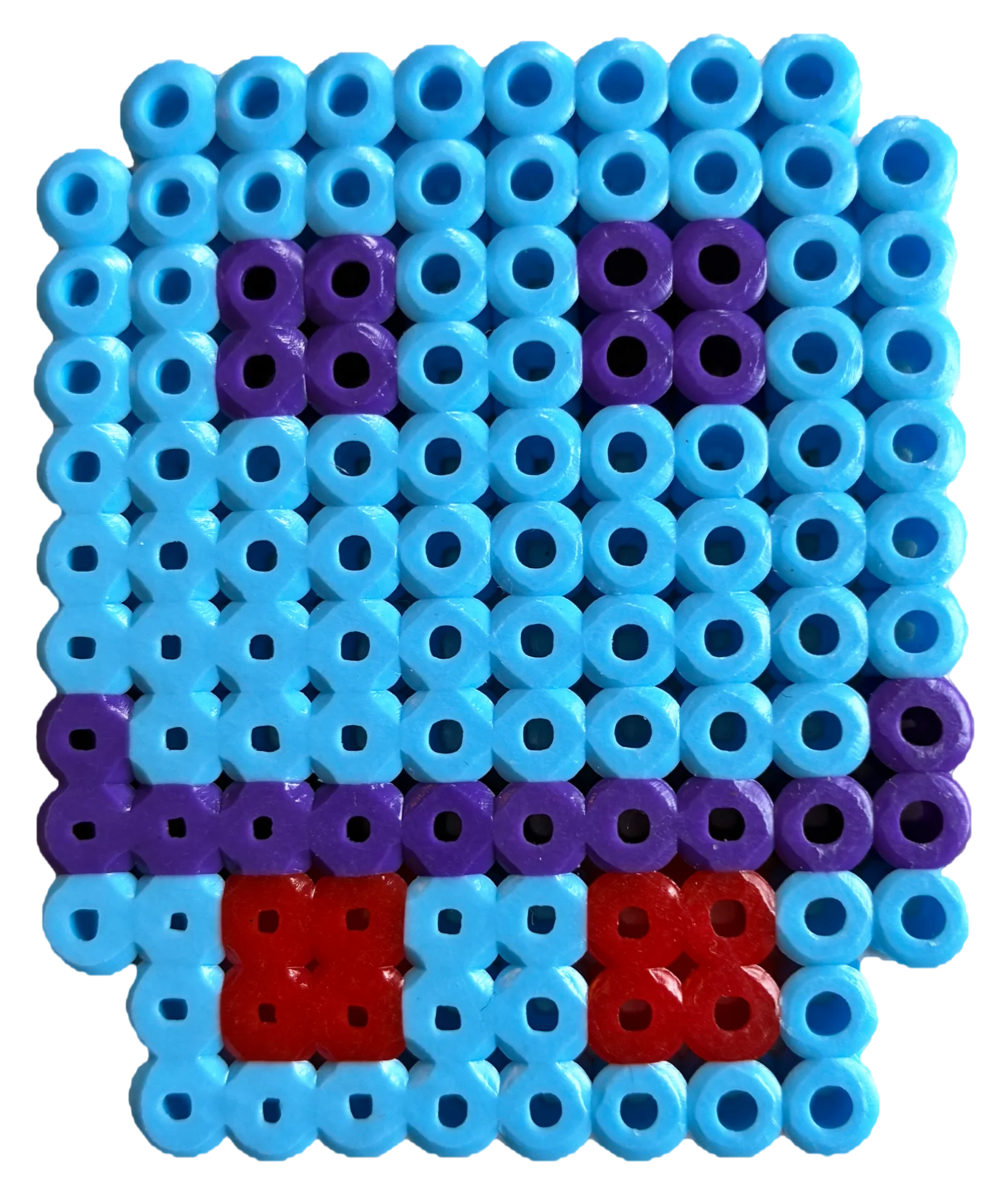
Purple skull -
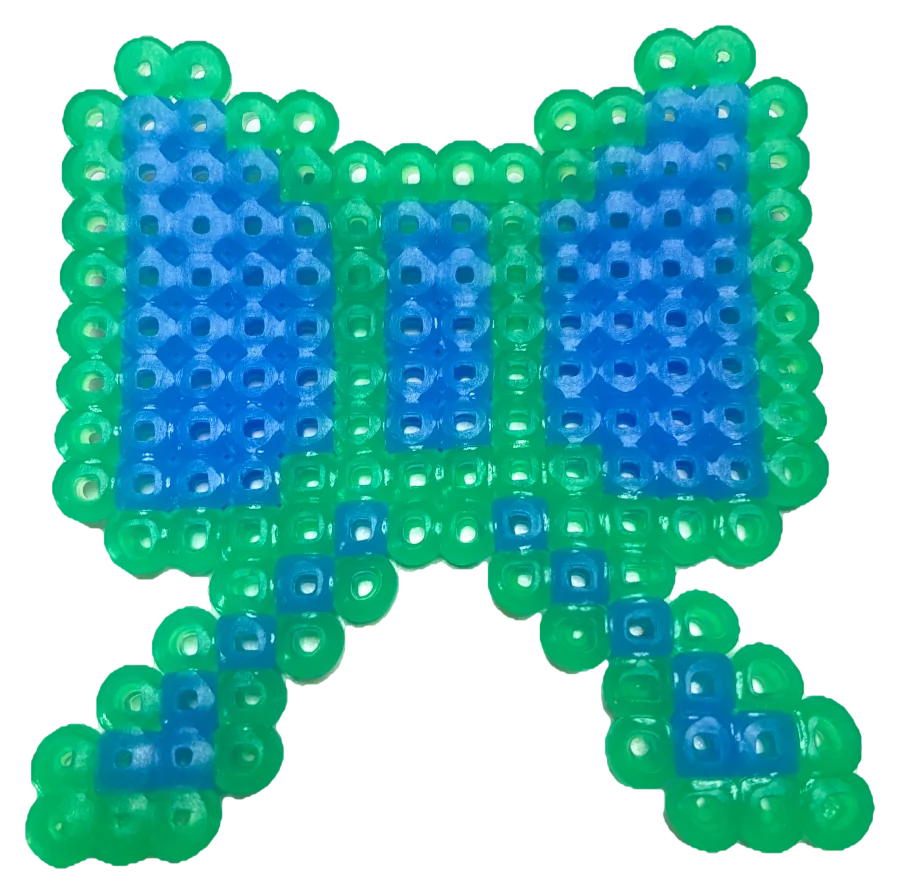
Blue bow -
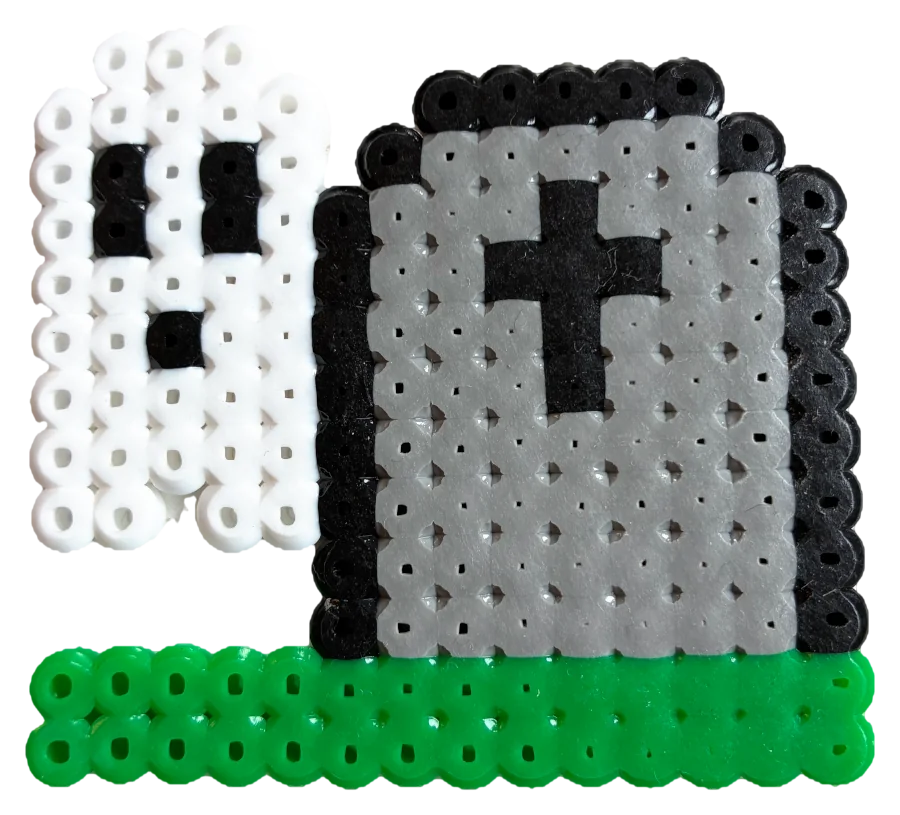
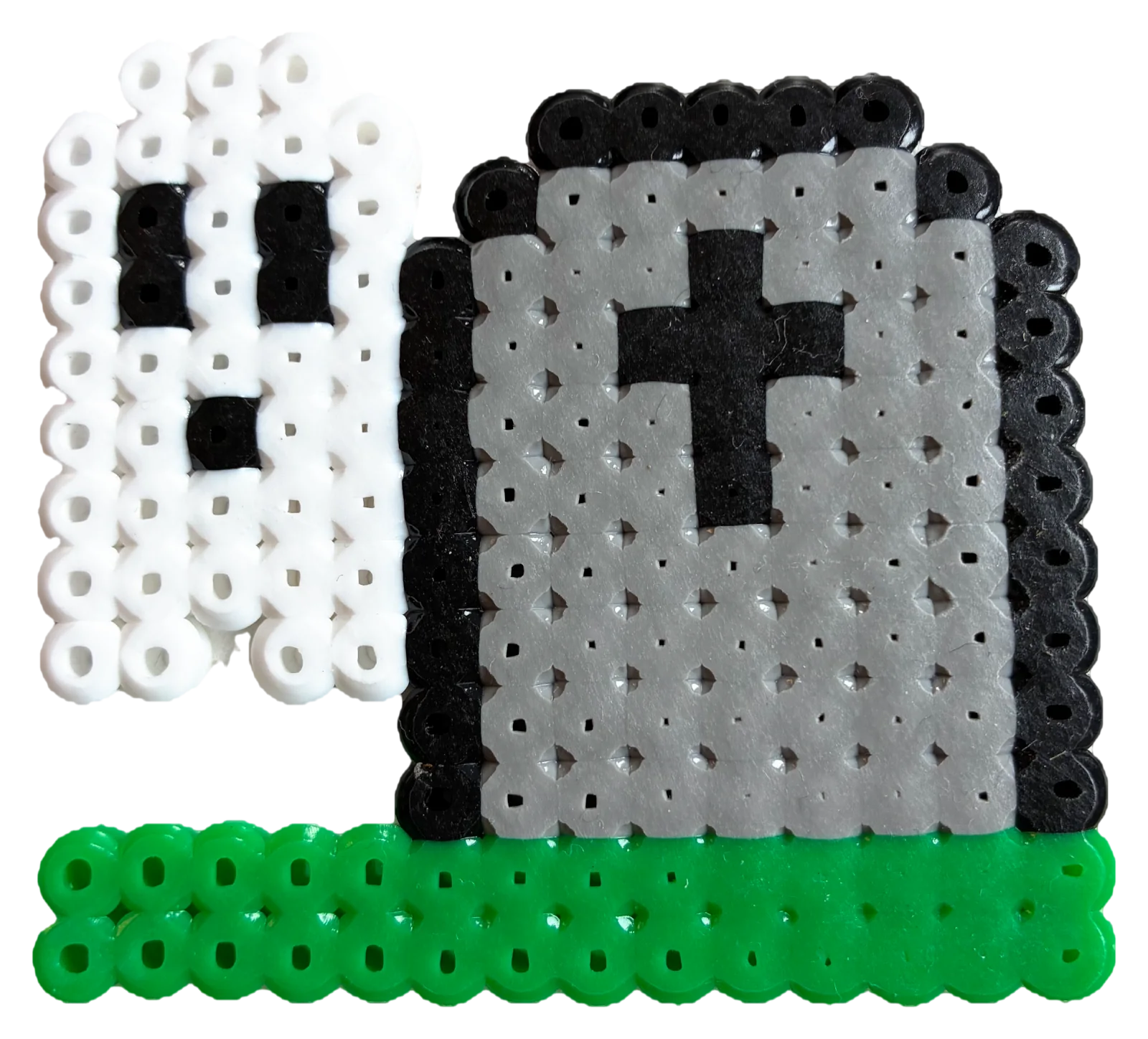
Ghost by a gravestone
What you can count on
-
Free to try
20 patterns are free forever. The one-time purchase Pearls Complete unlocks the whole library and drawing your own patterns, with no subscription. Your child never enters any personal details.
-
Fits real pegboards
Square, large square, giant square, hexagon, circle, cat and duck, measured from boards you can buy. See the boards and their patterns.
-
Their own patterns
With a pen, a fill tool and a color wheel the child draws a design of their own, and the app counts the beads. How kids draw their own patterns.
The pattern stays put while your child beads
Put the phone or tablet next to the pegboard. The child zooms in with two fingers and locks the board, so an elbow cannot move it. The screen stays on as long as the pattern is open.
- One color at a time, so all the yellow beads show at once
- A bead count per color, so you know if you have enough
- Swap a color when there are no pink beads at home
- Tap Done! when the board is finished and the pattern gets a star
- Tiny mini patterns and whole giant squares, so there is something for both a four- and a seven-year-old
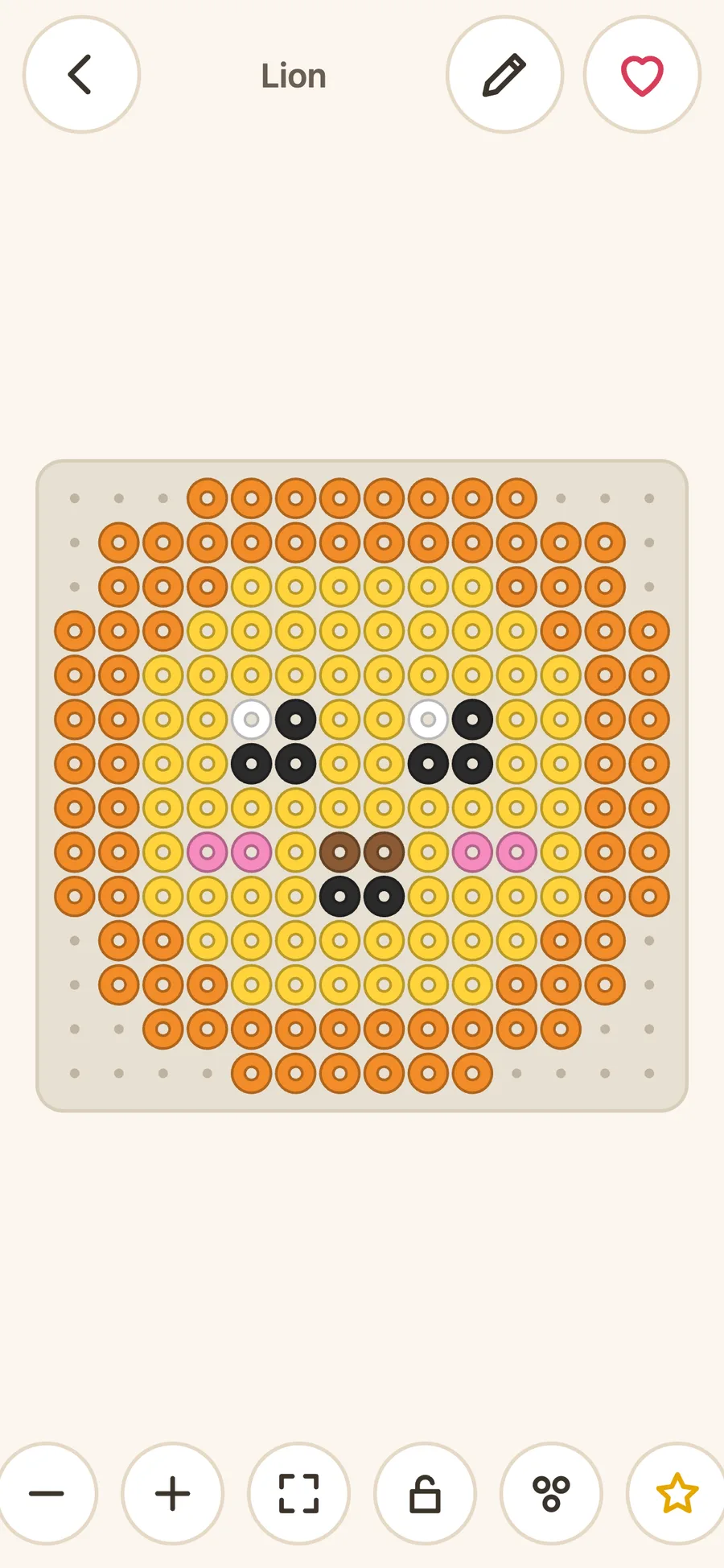
Patterns for the cat and the duck too
Hundreds of patterns, from small, quick ones for the youngest to big designs on 30 × 30 pegs. Animals, dinosaurs, Christmas, Easter, Halloween, letters and numbers, food and much more. Browse all bead patterns.
Many are drawn for the shaped boards, not just the square. All the boards and their patterns.

Questions from parents
Does Pearls cost anything?
20 patterns are always free. The whole library and drawing your own patterns are unlocked with a one-time purchase, Pearls Complete, with no subscription. You can buy it directly in the web version: SEK 29 until 30 November 2026, then SEK 69. In the iPhone and iPad app, the purchase is made in the App Store, behind a parental gate.
Do we need an account, and what is saved?
Not to use the app. Favorites and your own patterns are saved on the device, and your child never enters any details. Anyone who buys Pearls Complete on the web signs in with Apple or Google, so that the purchase follows them to other devices. More in the privacy policy and the terms of purchase.
Which pegboards do the patterns fit?
The square with 14 × 14 pegs, the large square with 30 × 30, the giant square with 60 × 60 made of four large boards, the hexagon, the circle, the cat board and the duck board. A pattern fits a board or it does not, and the app tells you which. The boards and how to count the pegs on yours.
Which beads do I need?
Ordinary fuse beads that you iron, the kind often called Perler or Hama beads. The app shows the pattern, and the beads and the board are the ones you have at home.
Can my child choose patterns alone?
Yes. The categories have pictures, so a child finds the cats or the cars without reading.
Does it work on a computer?
Yes. The web version works in the browser on a computer, a tablet or a phone. The app for iPhone and iPad is coming to the App Store.
Try it with the boards you have at home
Open the app in the browser, pick a board and start beading. No account needed.